




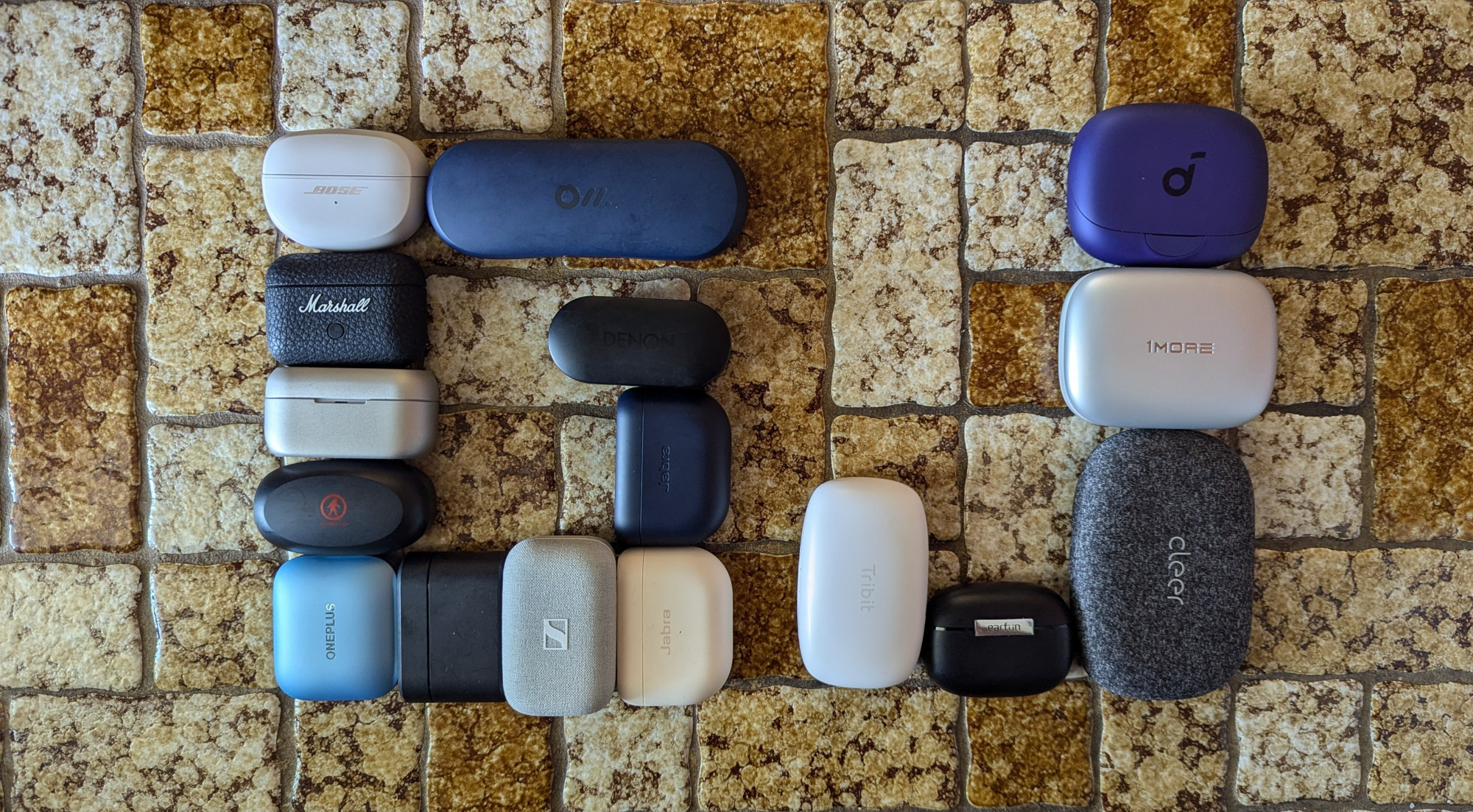
Our experts have written about earbuds, headphones, speakers, and other audio products for over a quarter century. It was during that time that earbuds went from wired to semi-wireless (connected to each other by a cord) to wire-free (both from each other and the source device). And in that same span, they’ve become the world’s most ubiquitous mobile audio accessory, improving over the years in both connection and sound quality.
And while a good pair of wireless earbuds is nice, especially for sports or exercise, wireless headphones can often be more comfortable and have better sound quality. Alongside our earbud selection, we’ve included a few options for listeners who prefer over-the-ear headphones.
Specifically for this buyer’s guide, our online research and personal experience helped us identify contemporary buds priced from $40 to $350 and circumaural (over-ear) headphones priced from $80 to $5,000. All selected products were tested in real-world conditions, both independently and in comparison with one another.
Below are the best wireless earbuds based on that testing. To help you more easily find the best wireless earbuds for your specific needs, we’ve also included a comparison chart, a buyer’s guide, and a frequently asked questions section.
If you’re looking for sport-specific earbuds and headphones, check out our guide here.
Editor’s Note: This article was updated on February 17, 2026, to add a few headphone options, including the EarFun Wave Pro, Focal Bathys, and Sony Ult Wear.
The Best Wireless Earbuds and Headphones of 2026
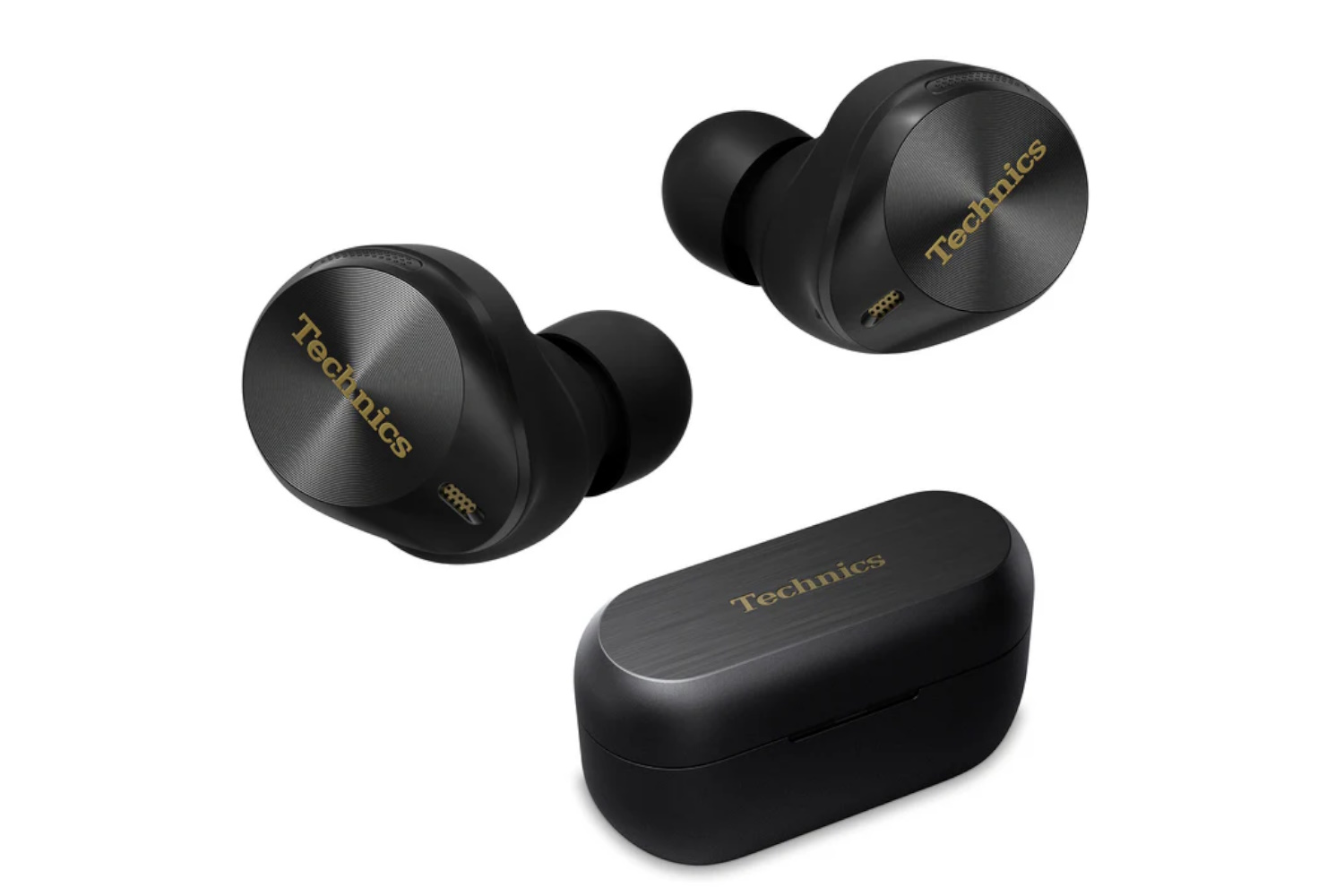
- Best Overall Wireless Earbuds: Technics EAH-AZ80
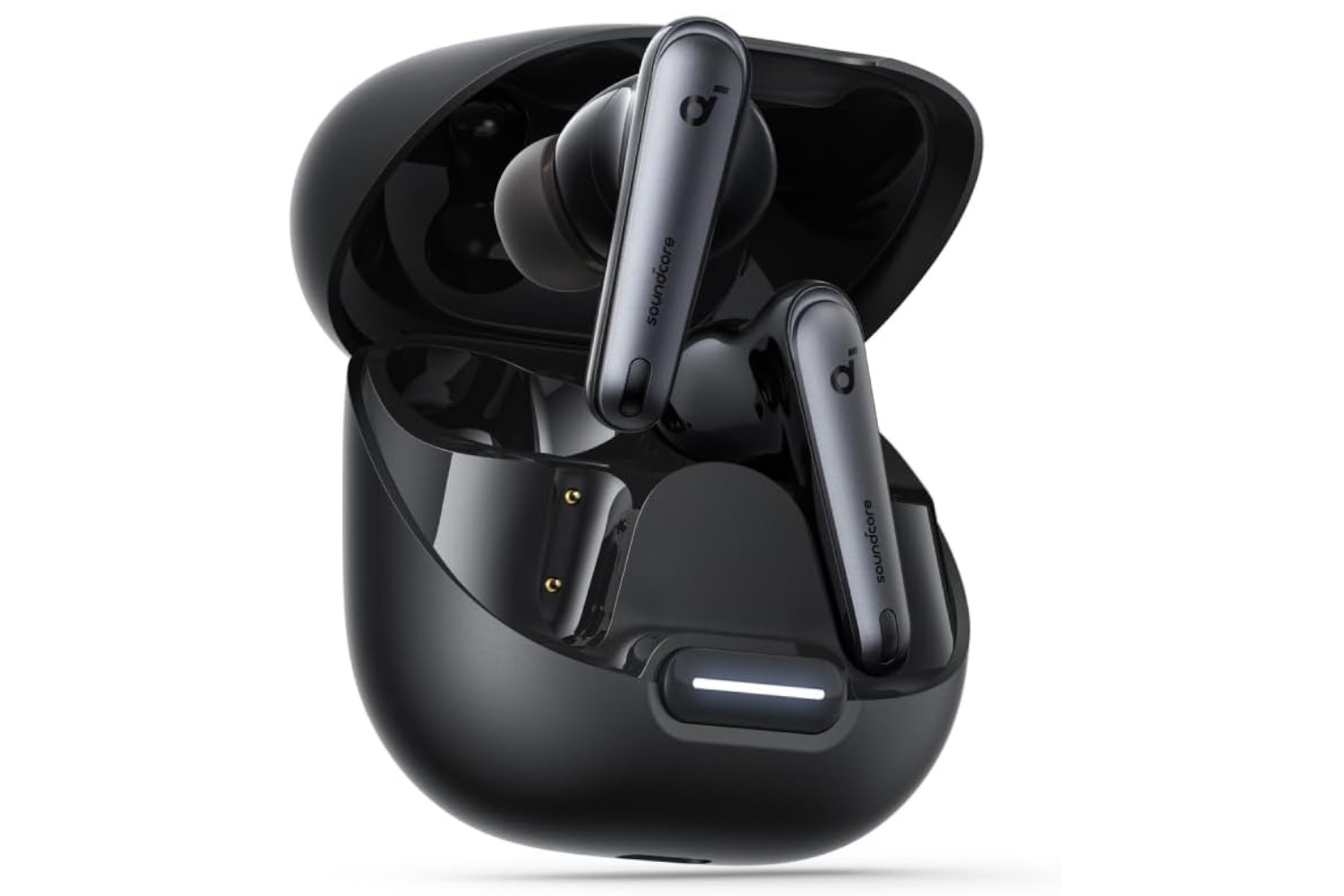
- Best Budget Wireless Earbuds: Soundcore Liberty 4 NC
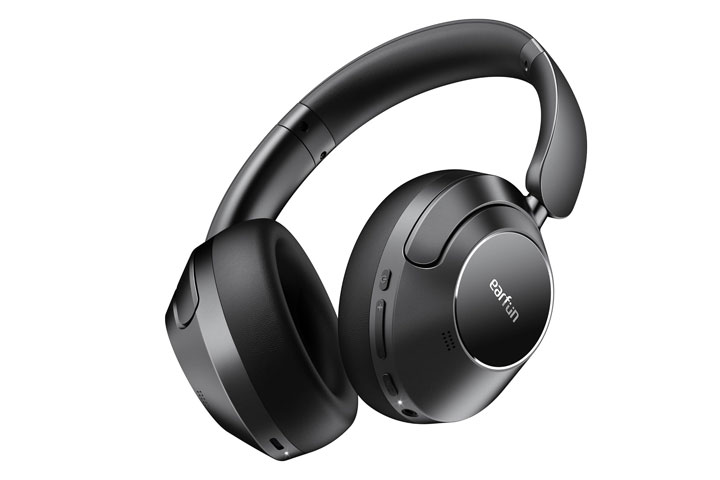
- Best Value Wireless Headphones: EarFun Wave Pro
- Best Premium Wireless Headphones: Focal Bathys
- Best Wireless Earbuds Under $100: EarFun Air 2
- Best Wireless Earbuds for Battery Life: Oladance OWS 2
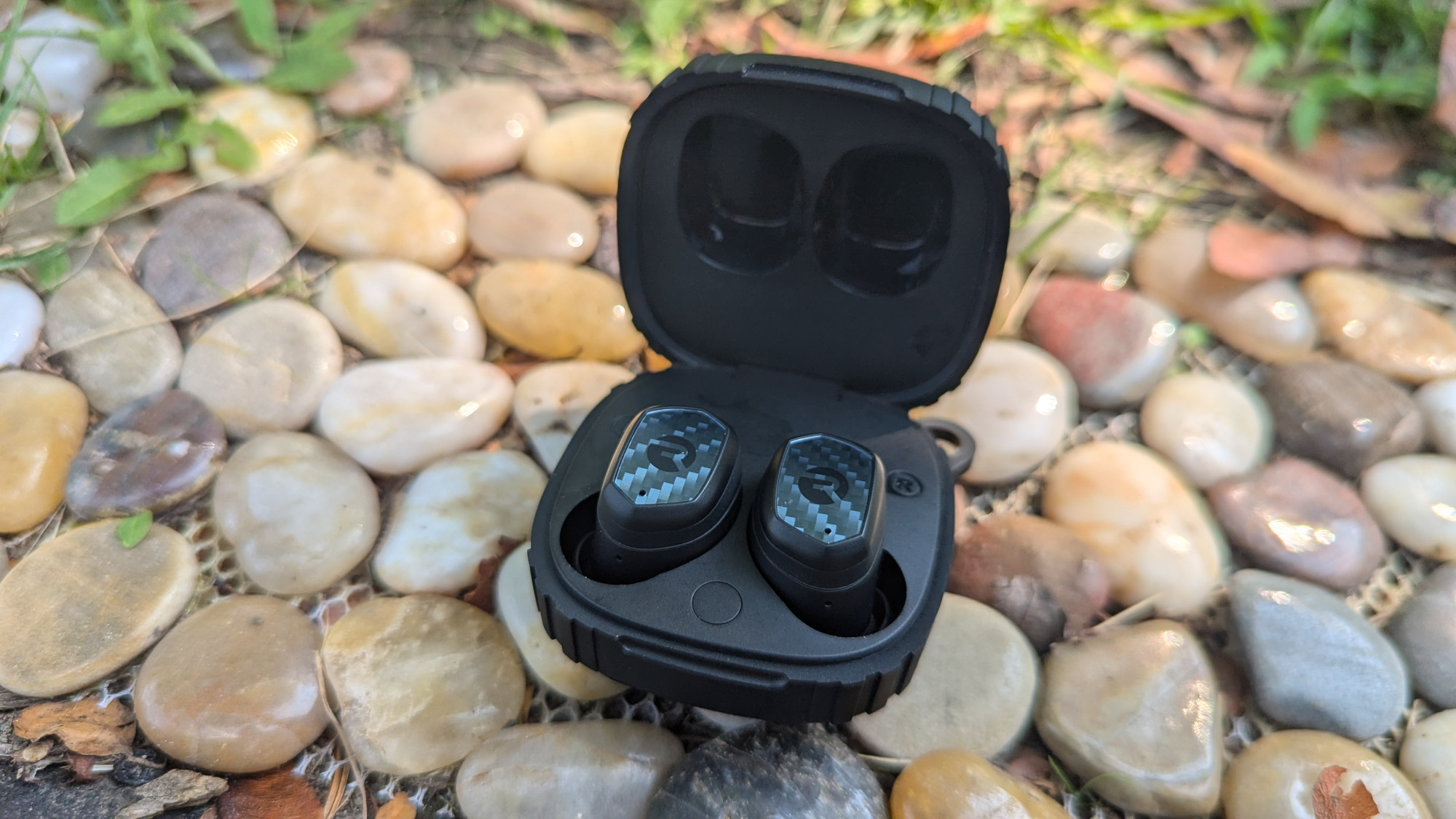
- Toughest Wireless Earbuds: Raycon The Impact
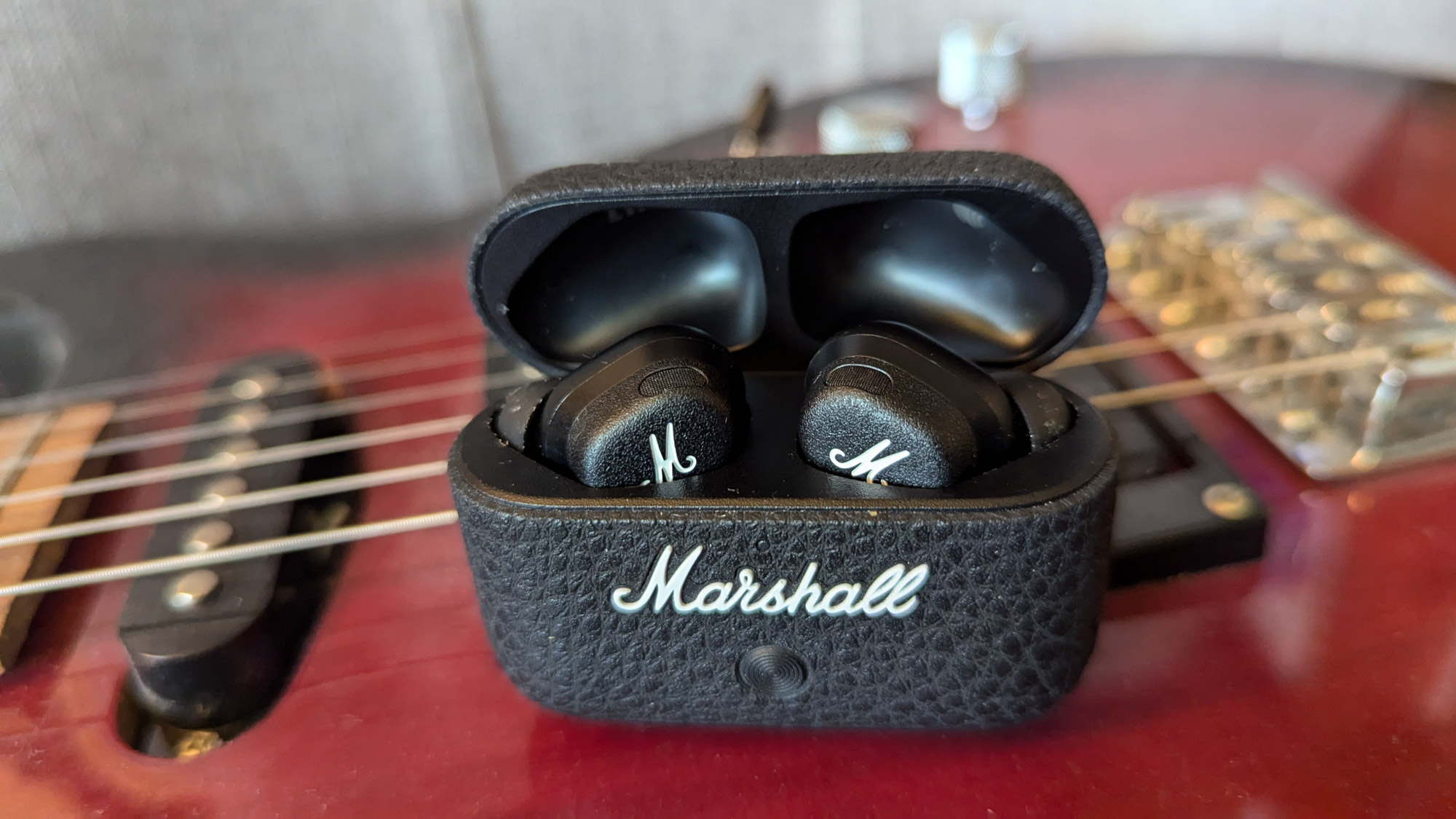
- Most Stylish Wireless Earbuds: Marshall Motif II ANC
- Best Sounding Wireless Headphones: Sony Ult Wear
Technics EAH-AZ80
-
Battery Life:
7.5 hours per charge, 25 hours total with case -
Protection Rating:
IPX4 -
Active Noise Canceling:
Yes, adaptive -
Charging Case:
Wireless
Pros
-
Superlative sound
-
Highly effective/adjustable NC and ambient sound
-
Tons of tips for a confident fit
-
Fantastic ease of use
-
Robust app allows tons of customization
Cons
-
Expensive
-
Just EQ, not hearing-based sound personalization
-
Less than average total battery life with case
Soundcore Liberty 4 NC
-
Battery Life:
10 hours per charge, 50 hours total with case -
Protection Rating:
IPX4 -
Active Noise Canceling:
Yes, adaptive -
Charging Case:
Wireless
Pros
-
Affordable
-
Great sound
-
Fantastic value for the features
-
Solid battery life with case
Cons
-
Only splash-resistant IP rating
EarFun Wave Pro
-
Weight:
268 grams -
Frequency Range:
Up to 40 kHz -
Format:
Closed-back, wireless -
Accessories Included:
Carrying case, audio and charging cables
Pros
-
Unexpectedly clean, premium sound
-
Fast charging and up to 80-hour battery life
-
Nice button layout
-
Good app with lots of options/controls
-
Hard case with inner webbing to hold spare cords
Cons
-
Earcups may get a little warm when listening long
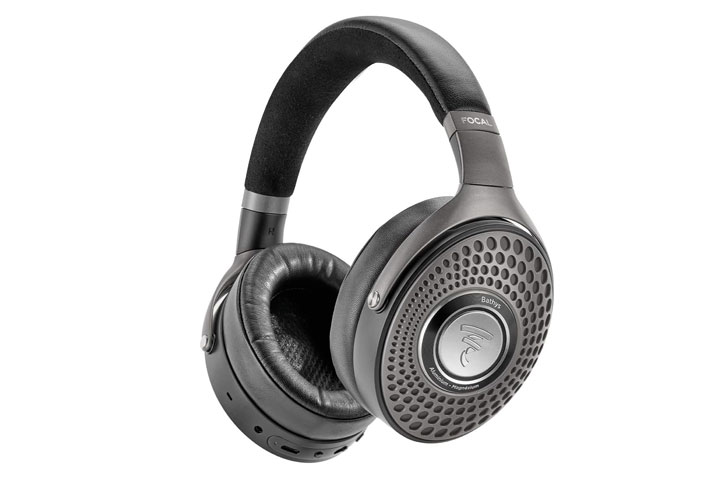
Focal Bathys
-
Weight:
350 g -
Frequency range:
15 Hz – 22 kHz -
Format:
Closed-back, wireless -
Accessories included:
Carrying case, audio, and charging cables
Pros
-
Open and bright sounding for closed-backs
-
Features a built-in DAC
-
Opulent styling
-
Well-designed carrying case
Cons
-
Very expensive
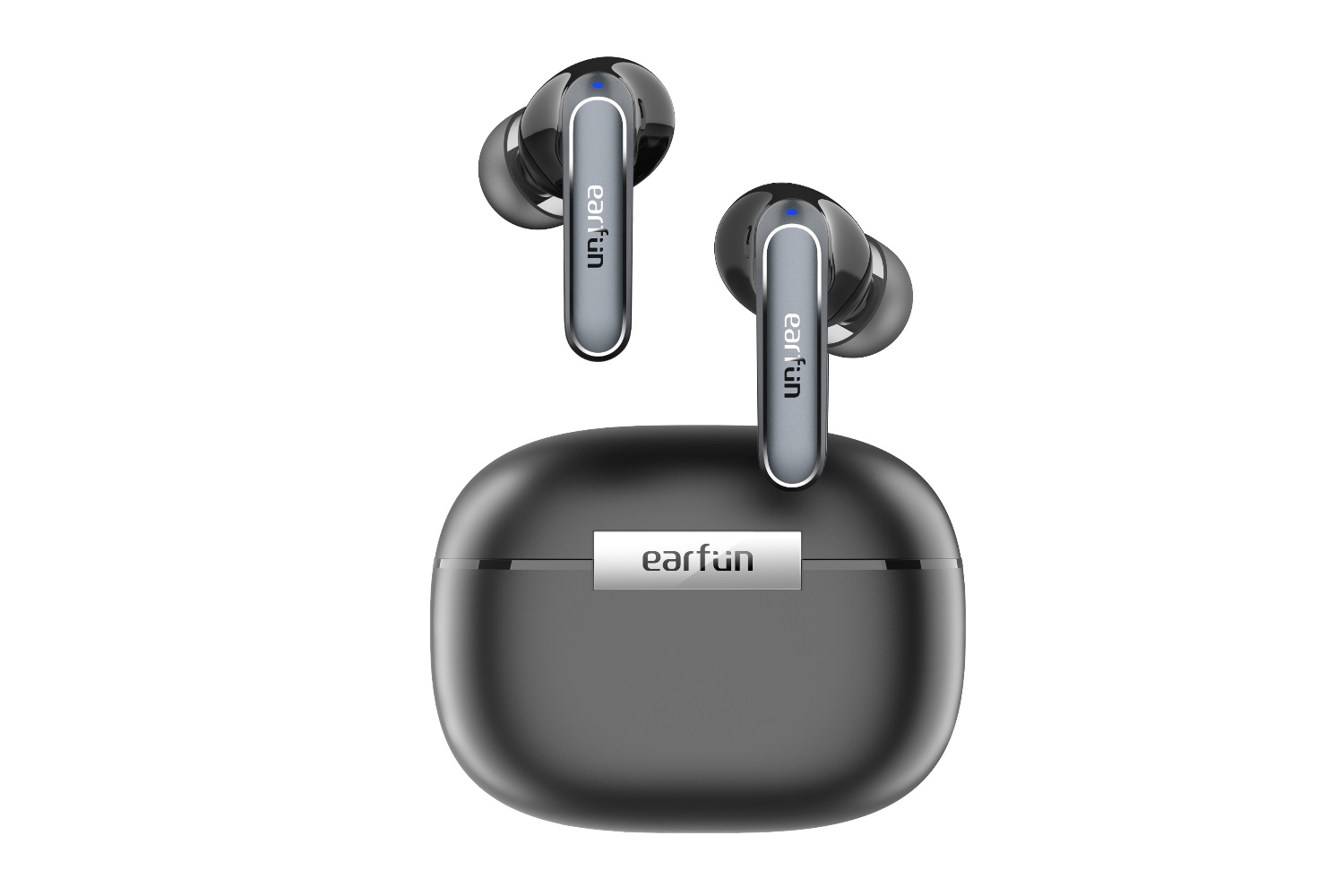
EarFun Air 2
-
Battery Life:
9 hours per charge, 40 hours total with case -
Protection Rating:
IPX7 -
Active Noise Canceling:
Yes -
Charging Case:
Wireless
Pros
-
Super value
-
Surprisingly good sound
-
Strong IP rating
-
Well-designed app
Cons
-
No fast pairing
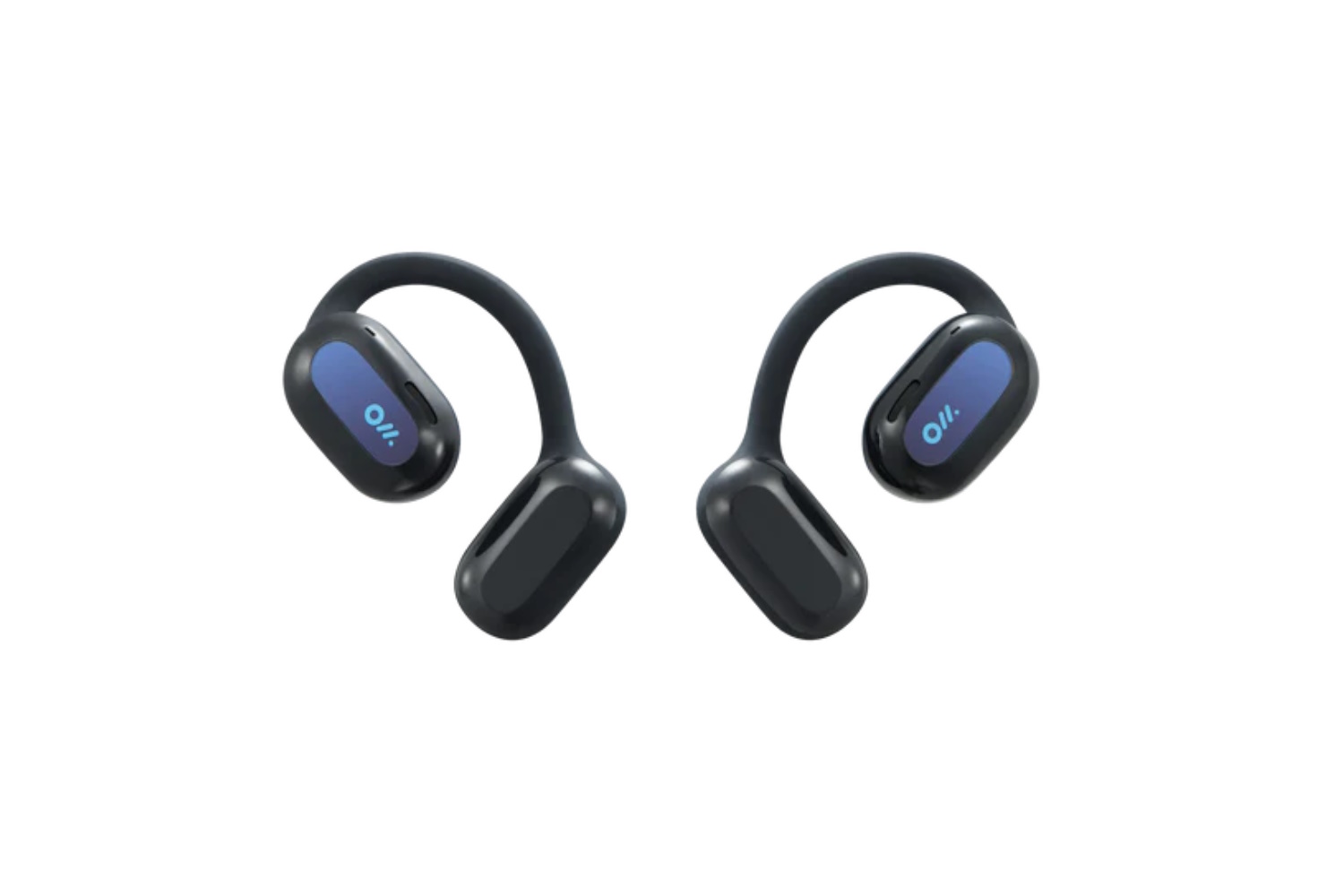
Oladance OWS 2
-
Battery Life:
19 hours per charge, 114 hours total with case -
Protection Rating:
IPX4 -
Active Noise Canceling:
No -
Charging Case:
Wired
Pros
-
Superb battery life
-
Good sound quality
-
Open-air format aids environmental awareness
Cons
-
Polarizing style/fit
-
Weak dust and water protection
-
Big case only charges via wires
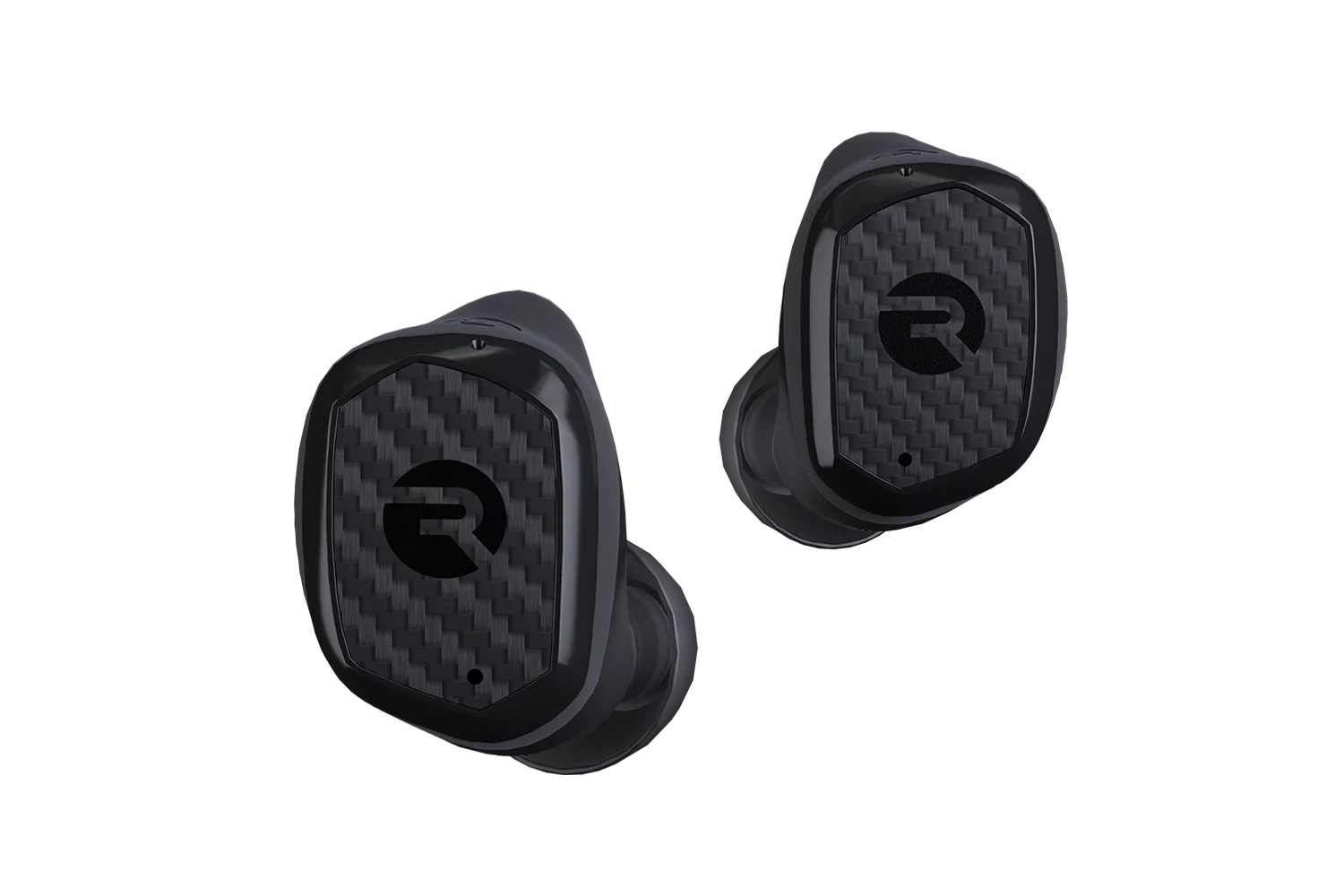
Raycon The Impact
-
Battery Life:
12 hours per charge, 90 hours total with case -
Protection Rating:
IP67 -
Active Noise Canceling:
Yes -
Charging Case:
Wireless
Pros
-
Good sound quality
-
Strong battery life
-
Super durable
-
Lots of tips and fins for a good fit
-
Case includes carabiner, can charge a phone
Cons
-
Slightly chunky case
-
No app
-
Foam tips cost $20 extra
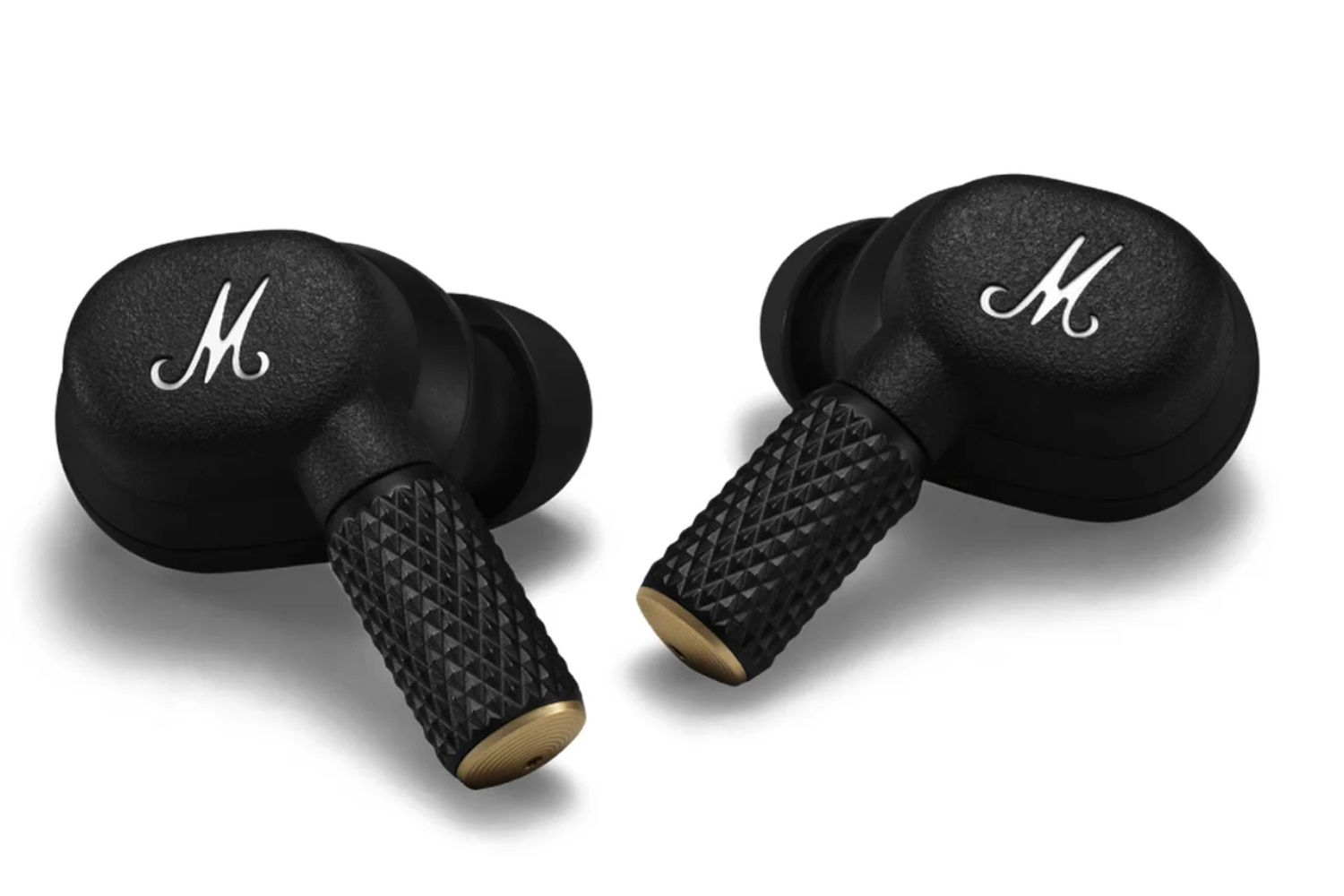
Marshall Motif II ANC
-
Battery Life:
9 hours per charge, 40 hours total with case -
Protection Rating:
IPX5 in the earbuds, IPX4 in the case -
Active Noise Canceling:
Yes -
Charging Case:
Wireless
Pros
-
Highly stylish
-
Rockin’ sound
-
Fast pairing and multipoint
Cons
-
On the pricey side
-
Only 3 tip sizes included
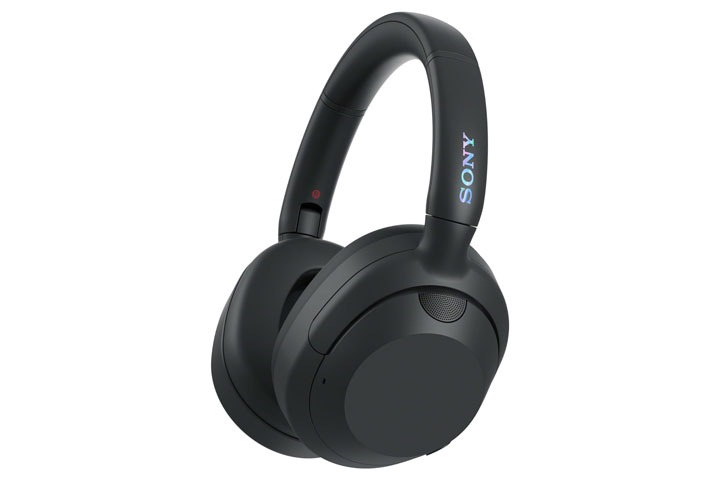
Sony Ult Wear
-
Weight:
255 grams -
Frequency Range:
5 Hz – 20 kHz -
Format:
Closed-back, Wireless -
Accessories Included:
Carrying case, audio and charging cables
Pros
-
Amazing bass
-
Super lightweight and comfy
-
Good blend of button and gesture controls
-
Feature-rich app
-
Fold nicely into their hard travel case
Cons
-
Bass on highest setting may be slightly bloated
Wireless Earbuds and Headphones Comparison Chart
| Wireless Earbuds | Price | Battery Life (Hours) | Protection Rating | Active Noise Canceling | Charging Case |
|---|---|---|---|---|---|
| Technics EAH-AZ80 | $300 | 7.5 | IPX4 | Yes, Adaptive | Wireless |
| Soundcore Liberty 4 NC | $100 | 10 | IPX4 | Yes, Adaptive | Wireless |
| EarFun Wave Pro | $80 | 80 | NA | Yes | No |
| Focal Bathys | $699 | 30 | NA | Yes, Adaptive | No |
| EarFun Air 2 | $50 | 9 | IPX7 | Yes | Wireless |
| Oladance OWS 2 | $150 | 19 | IPX4 | No | Wired |
| Raycon The Impact | $150 | 12 | IP67 | Yes | Wireless |
| Marshall Motif II ANC | $200 | 9 | IPX5 in the earbuds, IPX4 in the case | Yes | Wireless |
| Sony Ult Wear | $200 | 30 | NA | Yes, Adaptive | No |
How We Tested the Best Wireless Earbuds and Headphones
Our Expert Testers
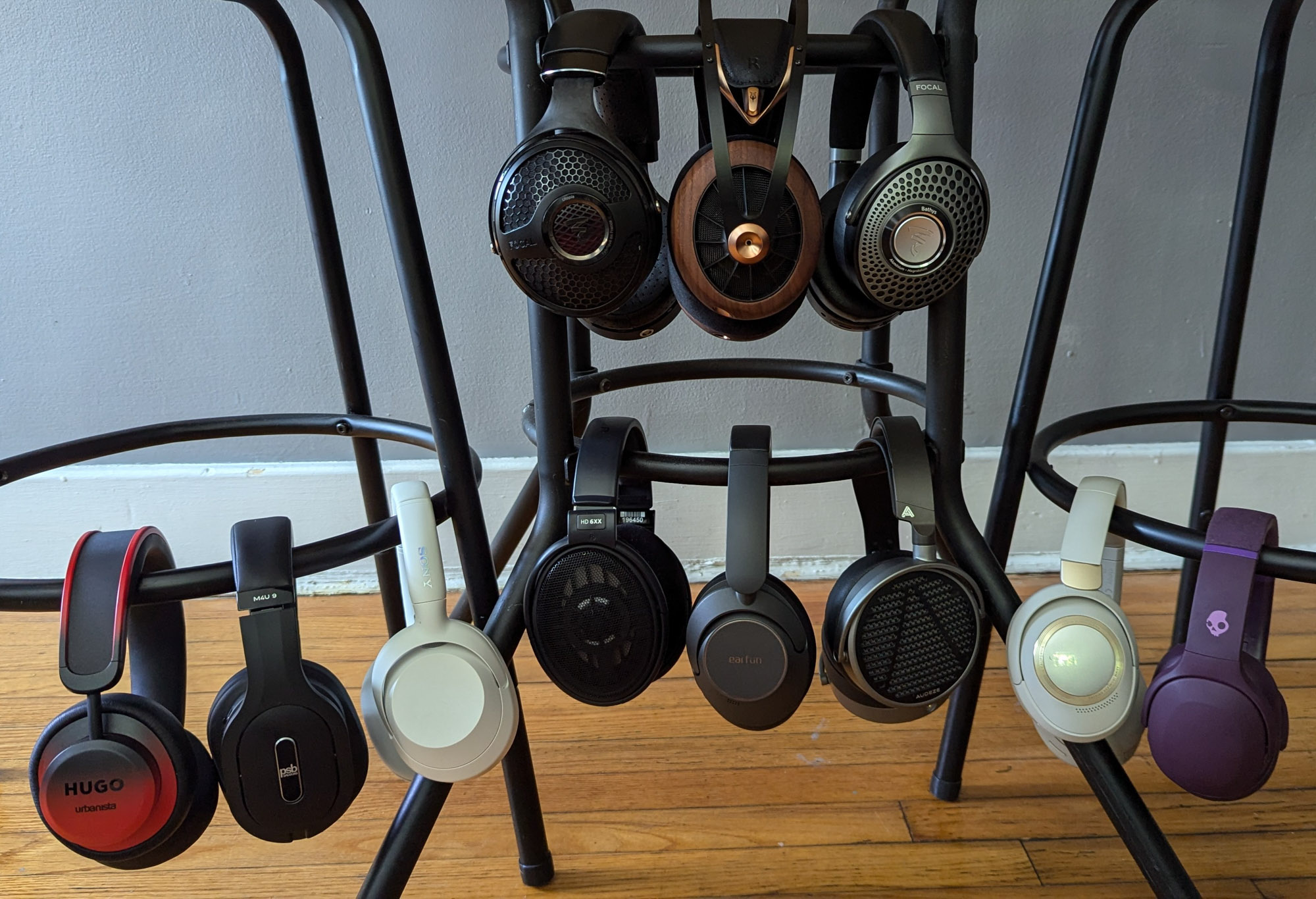
Whether paddling, hiking, hanging around the office, or even sleeping, the GearJunkie staff is likely (and happy) to be rocking earbuds or headphones. After all, popping in a sweet set of buds or slipping on a great pair of cans motivates us during our favorite activities and provides a pleasant soundscape as we transition from one to another.
Our lead tester, Scott Tharler, has been writing about audio products and all manner of consumer electronics for over 25 years — way before true wireless earbuds became mainstream and long before many of today’s top headphone brands emerged.
Over that time, Tharler has forged working relationships with oodles of audio vendors at multiple CanJams and more than two dozen CES events. At those crowded shows and in more relaxed private settings, he’s gotten to experience hundreds of headphones and earbuds in multiple form factors and at every imaginable price point.
All that to say, we’ve watched wireless ear candy evolve from neck-based earphones connected by a cord to the impressive staples they are today. No offense to the serene sounds of Mother Nature, but we at GearJunkie recognize how well music can motivate us — whether we’re logging long miles, settling into an easy chair for focused listening, or just chilling back at home base.

Our Testing Process
Over months of auditioning a variety of earbuds and weeks of testing headphones in different environments, we listened to several familiar playlists on Qobuz and Amazon Music. For wireless entries, we streamed tracks right from our phone, and for wired comparisons, we connected Khadas’ Tea, a slim MagSafe DAC/amp, to listen to those same streaming tracks on wired headphones.
We also listened to high-resolution music stored on DAPs (digital audio players) from Sony Music and Astell & Kern, sometimes plugging headphones directly into the source devices and other times by adding Chord Electronics’ compact, well-regarded Mojo 2 into the mix. Since that DAC/amp sports dual headphone outputs, it came in really handy when doing live A/B testing. Although doing A/B testing with earbuds is a little trickier than with Bluetooth speakers, we did our best to be scientific about the process, comparing them under similar conditions.
Quick side note: We did take calls on the earbuds, but it wasn’t a huge focus. None of the ones we tested were so heinous as to get kicked off the list. In future versions of this guide, we may focus more on this category, but in this version, music quality was given much more weight.
In addition to sound quality, we rated all the entries on factors such as fit and comfort, battery life, ease of use, case size, durability, style, adjustability, portability, app features, and price. To keep this resource as current and comprehensive as possible, we’ll continue to evaluate additional wireless earbuds and headphones for future versions of this guide.

Buyer’s Guide: How to Choose Wireless Earbuds or Headphones
At this point, the sheer volume of wireless earbuds and headhpones available is an embarrassment of riches. Which is to say that you have tons of great options when it comes to selecting a decent pair. But that also means it can be quite a daunting task, to say the least.
Of course, if you’re in the Apple universe, they make it pretty easy to choose which set of Airpods suits you best. Similarly, if you swim in the Samsung ecosystem, its buds will unlock certain features by playing better with Samsung phones and/or watches. And Google’s buds play predictably well with its phones. For everyone else, there are tons of factors to consider, and making an informed decision to find the right ones requires dedicated thought and research.
Fortunately, this guide packs all the essential info you’ll need to choose the best wireless earbuds or headphones for you. You’ll learn why you should and shouldn’t consider particular types and which features matter most. Practically speaking, it’s everything you need to know about purchasing wireless earbuds or headphones that are sure to put tasty tunes in your ears and a smile on your face.
This guide focuses solely on wireless earbuds and headphones. For more music gear, check out our guides to the best wireless earbuds under $50 and the best bone conduction headphones.
Form Factor
Where the earbuds are placed in relation to your ear canal is dictated by your audio goals and typical use case. Headphones also come in several form factors. Naturally, your typical use case plays a big part in what style you’ll want to choose, which in turn plays a huge role in your overall fit and comfort.
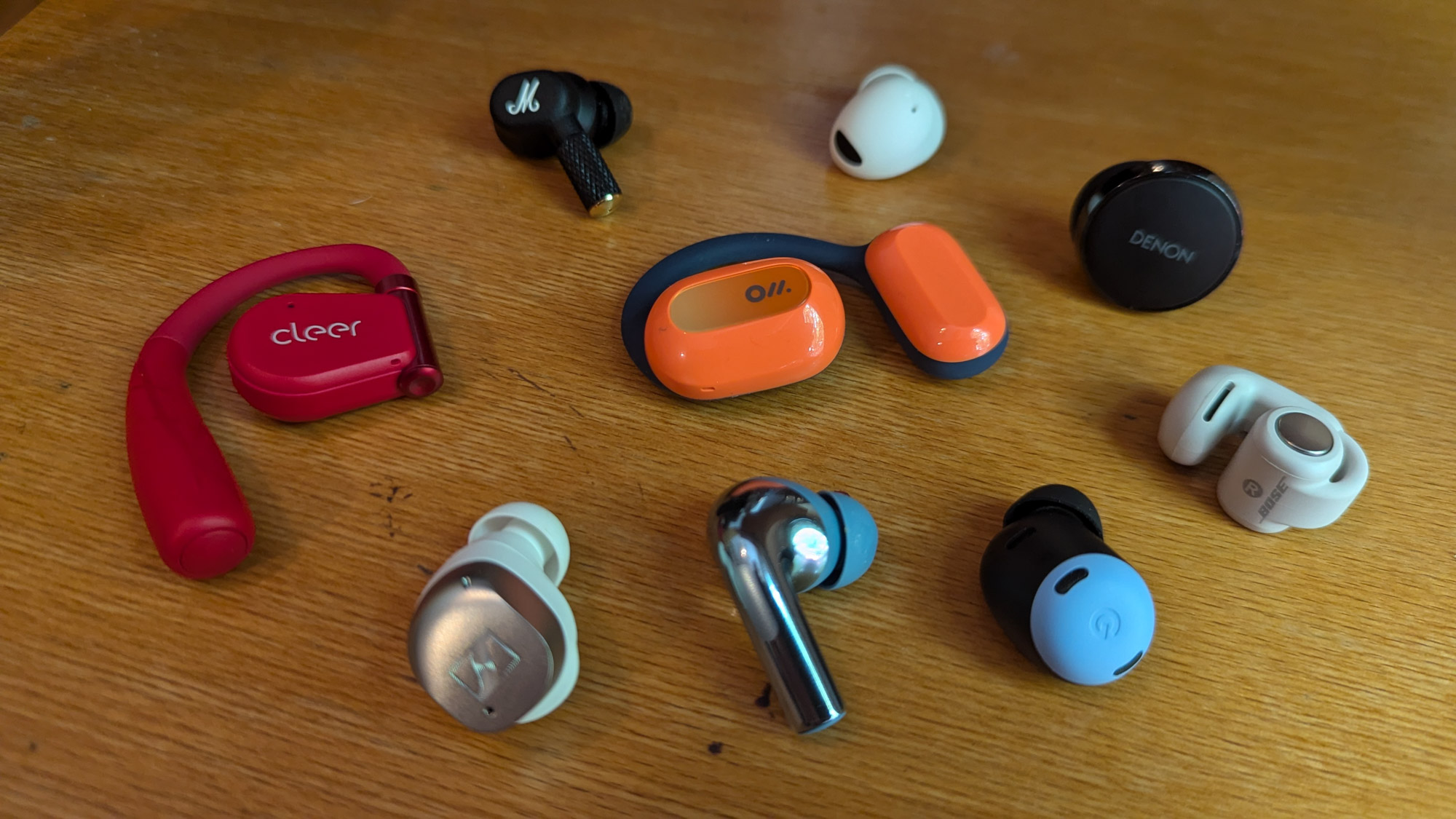
In-Ear
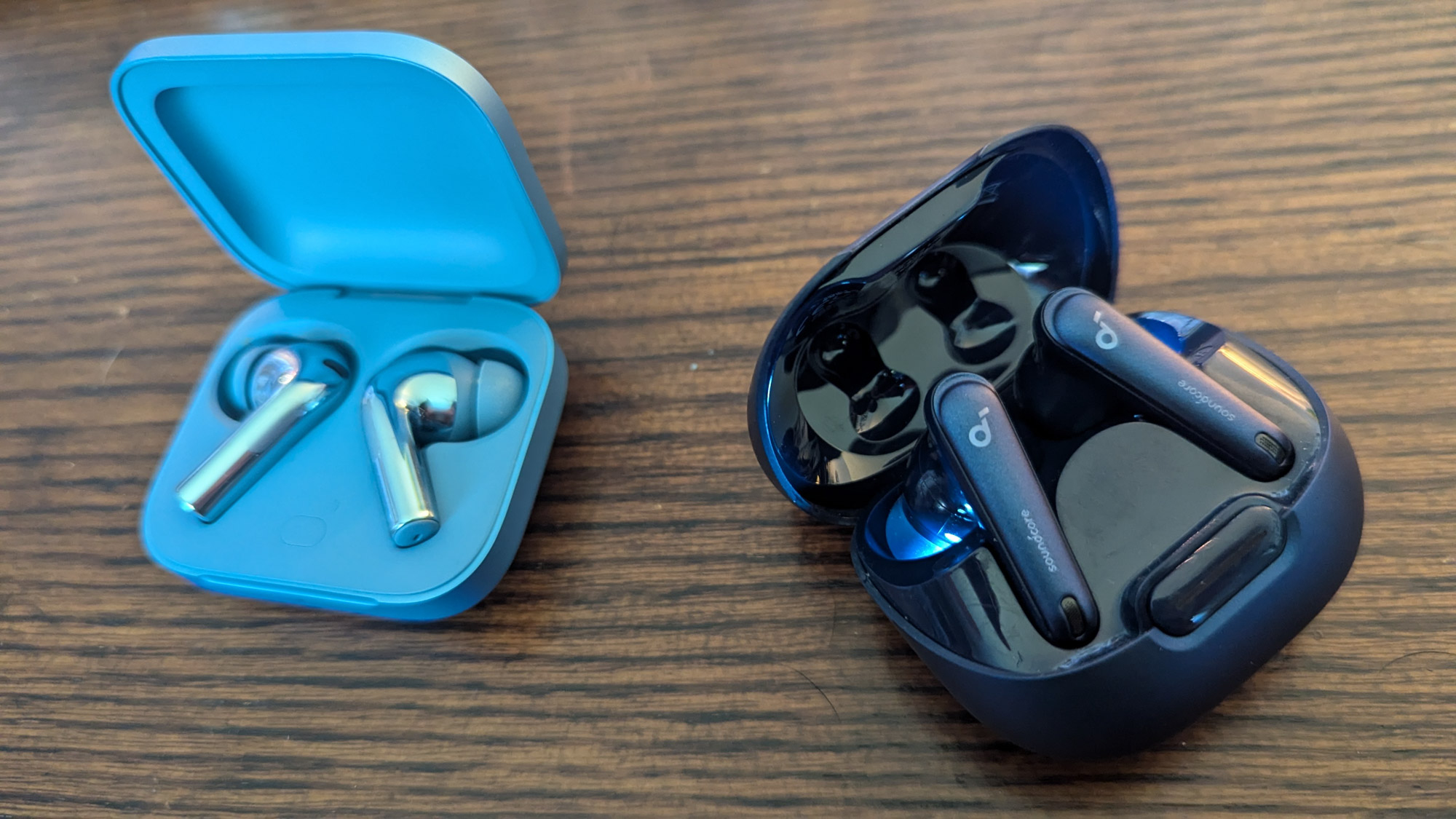
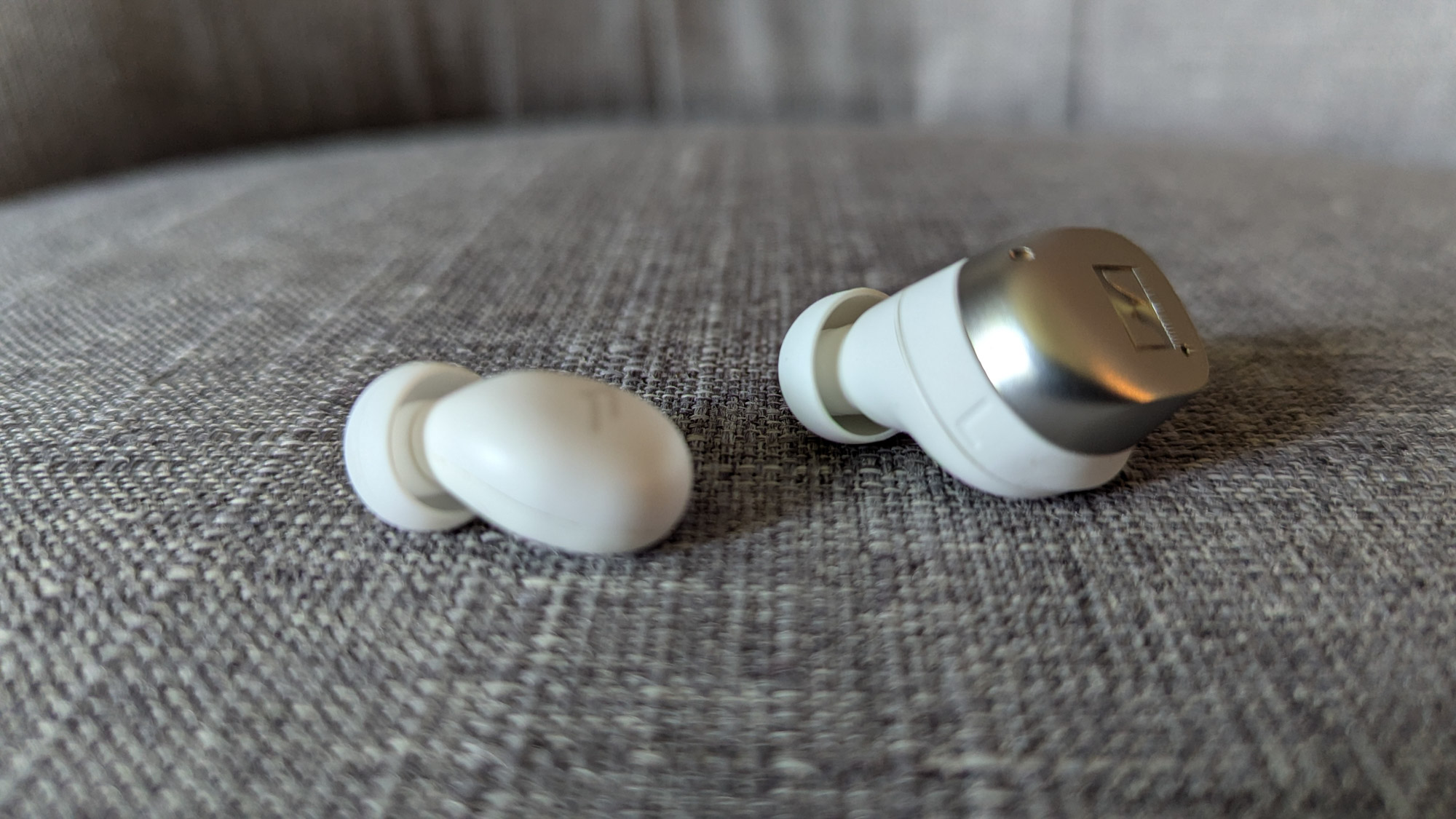
If sound quality is most important, you’ll want an earbud that twists into place, forming a seal so that the nozzle is inside your ear canal (at a comfortable depth). Be on the lookout for tips aimed at reducing pressure inside your ears, which can make a difference during extended listening sessions.
Semi In-Ear
Commonly referred to as the “AirPod style,” this means the buds — typically in the stem body style — are resting just outside the ear canals. This feels good to some folks who don’t like sticking things in their ears but feel distractingly insecure about others.
Open Air
Further removed from the ear canal, this form factor either hooks over your ears — as with esteemed running headphones like the Soundcore AeroFit Pro — or latches onto the sides of your ears like Bose’s innovative yet quirky Ultra Open Earbuds. In both cases, they’re essentially tiny speakers positioned close enough to send audio semi-privately toward your inner ears.
Bone Conduction
Pioneered by Shokz, bone conduction earphones only tangentially touch your outer ears, sending audio signals directly into your inner ear via your jawbone (as opposed to through the air, like other headphones). Because they block no part of your ear canal, they’re great for a variety of outdoor activities where situational awareness is optimal.
Over-Ear
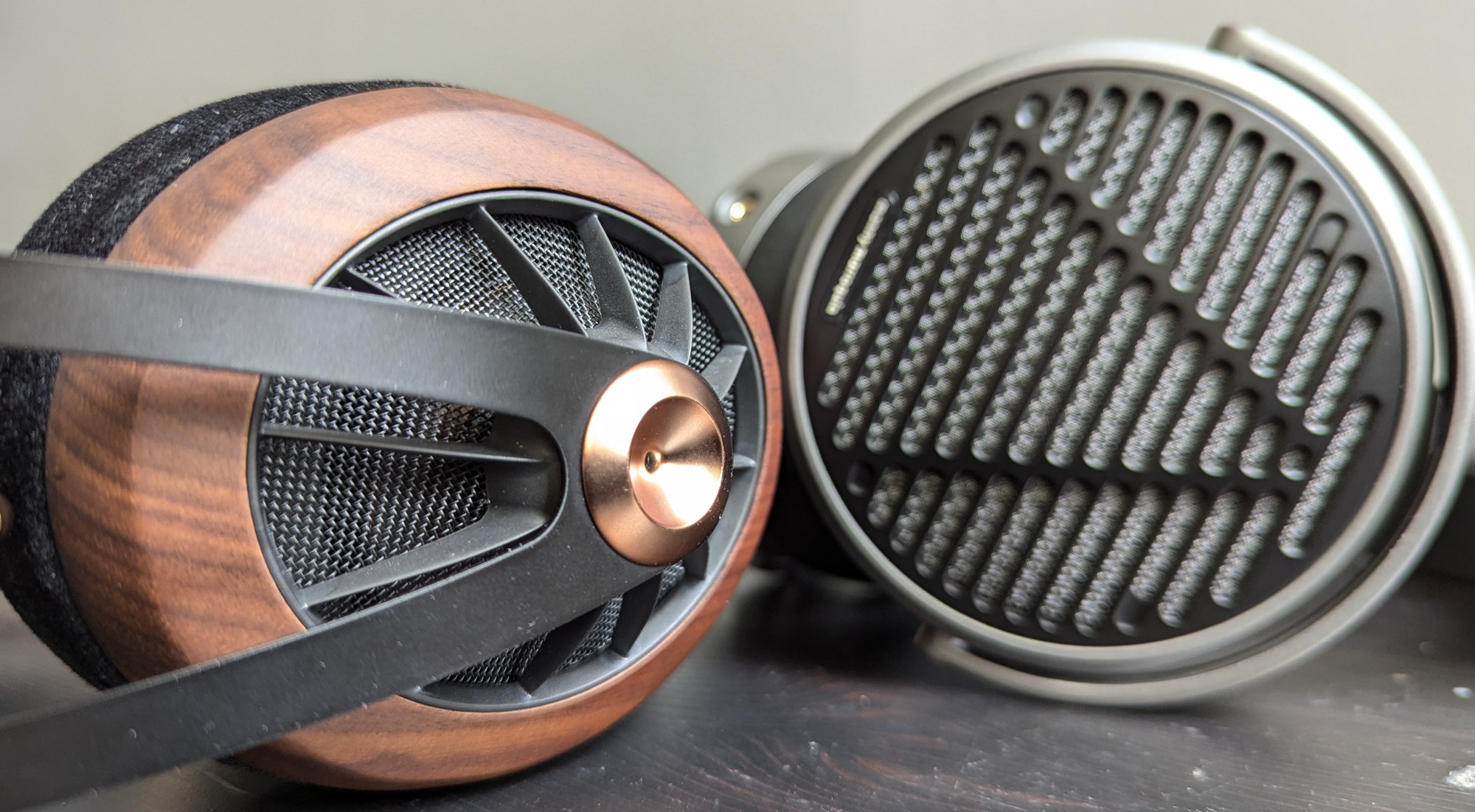
Sometimes referred to as circumaural, these naturally bigger headphones feature cups meant to surround your ears — ideally without touching them, depending on the cup size and depth. The main benefit is that they may provide some passive noise isolation, but their fit can also affect the sound signature.
For instance, if the cups on over-ear headphones don’t provide a good enough seal against your face, you might perceive a lack of bass, whereas someone who happens to get a tighter seal based on the unique shape of their head might not.
On-Ear
Also known as supra-aural, as the name implies, the cups of these headphones are meant to rest squarely on your ears rather than surrounding them. The upside is that they are usually more compact, portable, and inexpensive. But the sound also tends to be thinner and less immersive, so it’s a bit of a tradeoff.
In reality, many headphones are somewhere in between over- and on-ear — as with the Urbanista Los Angeles Hugo Edition that we tested — mostly surrounding but perhaps touching some parts of the ears.
IEM
The term in-ear monitors is mostly a fancy way of saying “earphones,” but with a couple of implications. First, they’ll tend to go into your ears (some further than others), rather than resting on the outside (like Apple’s earpods).
And second, whether under 20 bucks or in the thousands, IEMs boast superior sound quality. So much so that musicians wear custom-molded versions while on stage, to effectively … monitor their live performances.
Fit and Comfort
While other form factors tend to be more forgiving, in-ear buds require a secure fit to be effective and worthwhile. So if you’re shopping for them, pay attention to the number, shape, and materials of tips provided. On the stingy side, some buds only come with three pairs of tips, and on the generous end, the Technics AZ80 comes with seven sets.
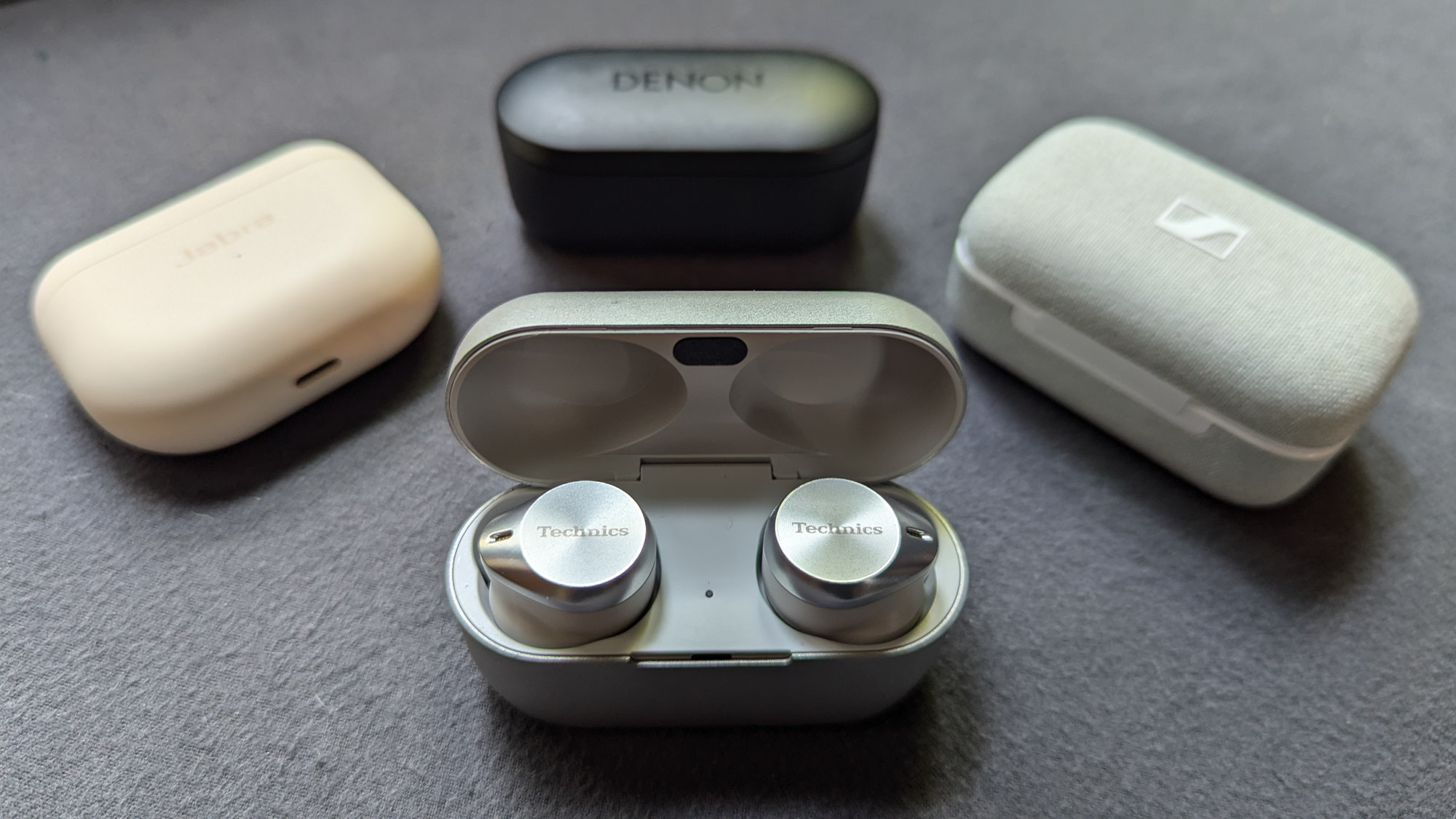
We find that oval tips tend to fit more comfortably and securely in our ears better than round ones. And in addition to silicone, earbuds such as Denon’s Perl Pro also come with foam tips, which can provide a tighter seal but require a bit of finagling.
Beyond the tips themselves, a bunch of the buds we tested also came with complementary wings or fins (that go over the earbuds’ body or nozzle) to help further secure them in the conchas of our ears, which is essential when engaging in more rigorous activities.
Some earbuds’ companion apps (such as Technics’ and Denon’s) offer a feature that electronically assesses and reports how well the earbuds actually fit. Other than your general comfort, this is important because a secure fit ensures you’re hearing the best possible sound quality delivered by the buds.
Headphone Earpads
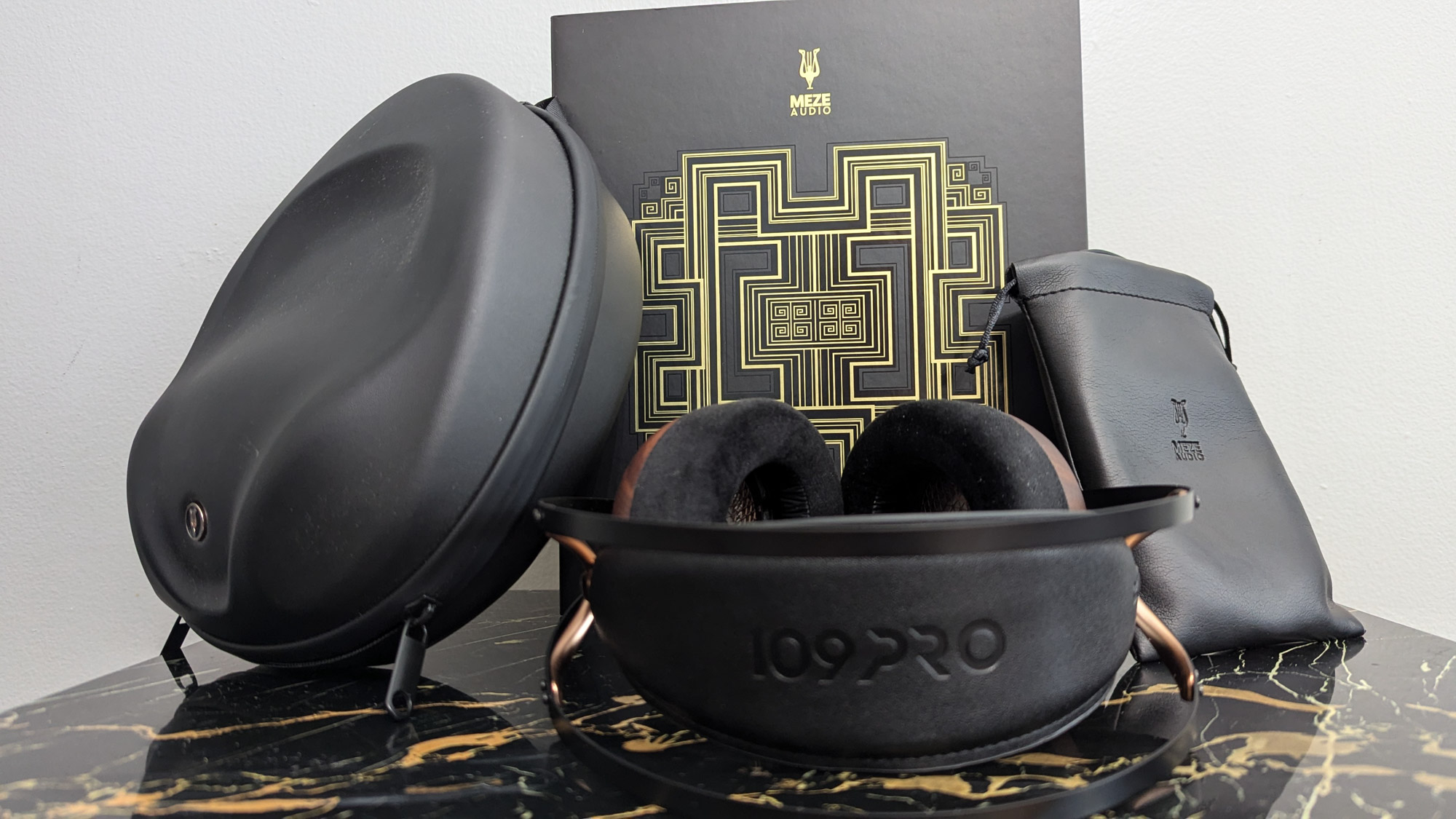
An entire buying guide could be written just about earpads. It’s an endless topic of discussion on Discord, where folks constantly banter about which stock and aftermarket earpads are best with which headphones. Although cushiness is nice, most headphone earpads feature fairly similar memory foam inside. It’s more about the shape, width, and depth of the padding.
For instance, your ideal earcups might be oval with thinner padding that doesn’t touch your ears, or you might prefer larger circular earcups with thicker earpads that touch your ears a little. Different earpad configurations will affect not only how comfortable your ears are in terms of pressure and temperature but also the headphones’ sound signature.
Also, to that end, you should be aware of the differences various earpad materials make. For example, a more textured material like velour might feel nice but lead to a less bassy sound than the same headphones with a less textured (fake) leather earpad. That’s why some headphones come with extra earpads.
Headphone Adjustability
This seems so fundamental, and yet so many headphones get it wrong. In a basic sense, it can be difficult to manipulate the adjustment mechanism one-handed on each side while wearing the headphones. Or perhaps they’re too clicky — or not clicky enough.
Some earcups only swivel back and forth on one axis, which compromises their ability to accommodate more head sizes and shapes. Then again, sport a self-adjusting headband that lets you place them directly on your head with absolutely no fussing necessary.
Headphone Weight
Similar to backpacking tents, every ounce counts with headphones. Even more so, headphones’ weights are often measured in grams. The average for our 10 tested headphones was about 350 g. For reference, one pound is 454 g.
It may not seem like a ton of weight, but over time (i.e., listening for hours on end), it can literally add up to a pain in the neck. As you glance at various headphones’ specifications, keep in mind that roughly 300-400 g is average.
Headphone Clamping Force
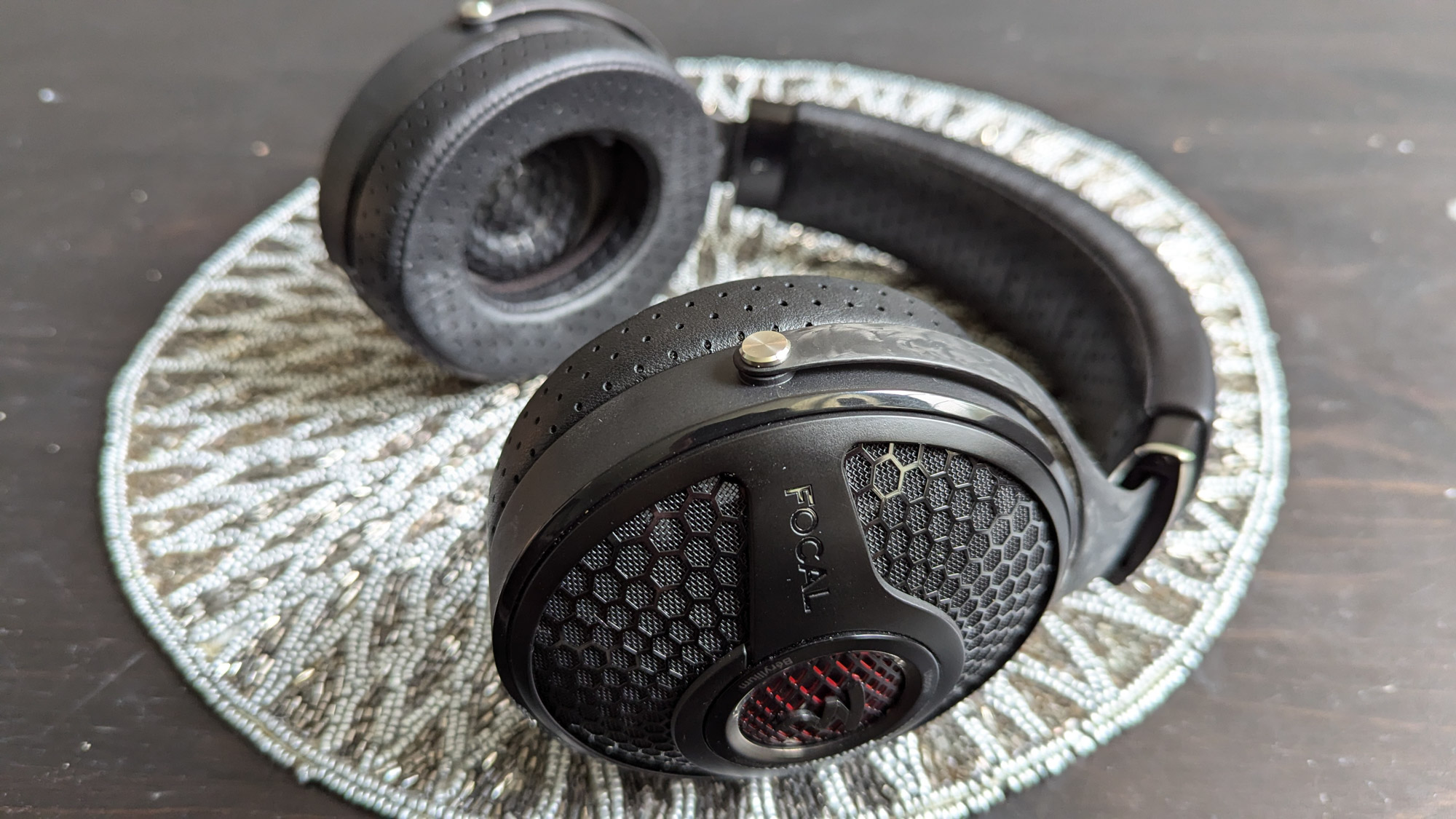
Working in tandem with the above three factors, how loosely or tightly the headphones’ yoke squeezes against your head is huge in determining your long-term comfort. But it’s a delicate balance. More clamping force can make heavier headphones seem lighter, but they can also feel uncomfortable on the sides of your head.
Conversely, less clamping force can make the headphones so loose that they annoyingly shift around during use.
Headphone Cup Format
This refers to whether the backs of the earcups are open or closed, which has huge repercussions on the headphones’ sound signature.
Open
Since air passes through the backs of these cups, you can hear outside noises, and outsiders can hear your music (assuming it’s sufficiently loud and they’re sufficiently close). As a result, music played through them may sound more spacious, breathy, and natural.
The two obvious detractors are that noise cancellation is impossible, and they’re only ideal if you plan to be in a very quiet environment where you can play your music at the desired volume without disturbing others.
Closed
The alternative is that no air passes through the backs of the earcups, providing a more private and intimate listening experience. This style is used in most wireless and all active noise-cancelling headphones. More finicky users (i.e., audiophiles) may assert that these kinds of cups create a boxy, unnatural sound and/or make their ears hot.
So take notice if you read reviews that consistently claim a particular closed-back headphone sounds spacious and doesn’t make users’ ears feel too warm during long listening sessions. They’re few and far between.
Body Style
Buds
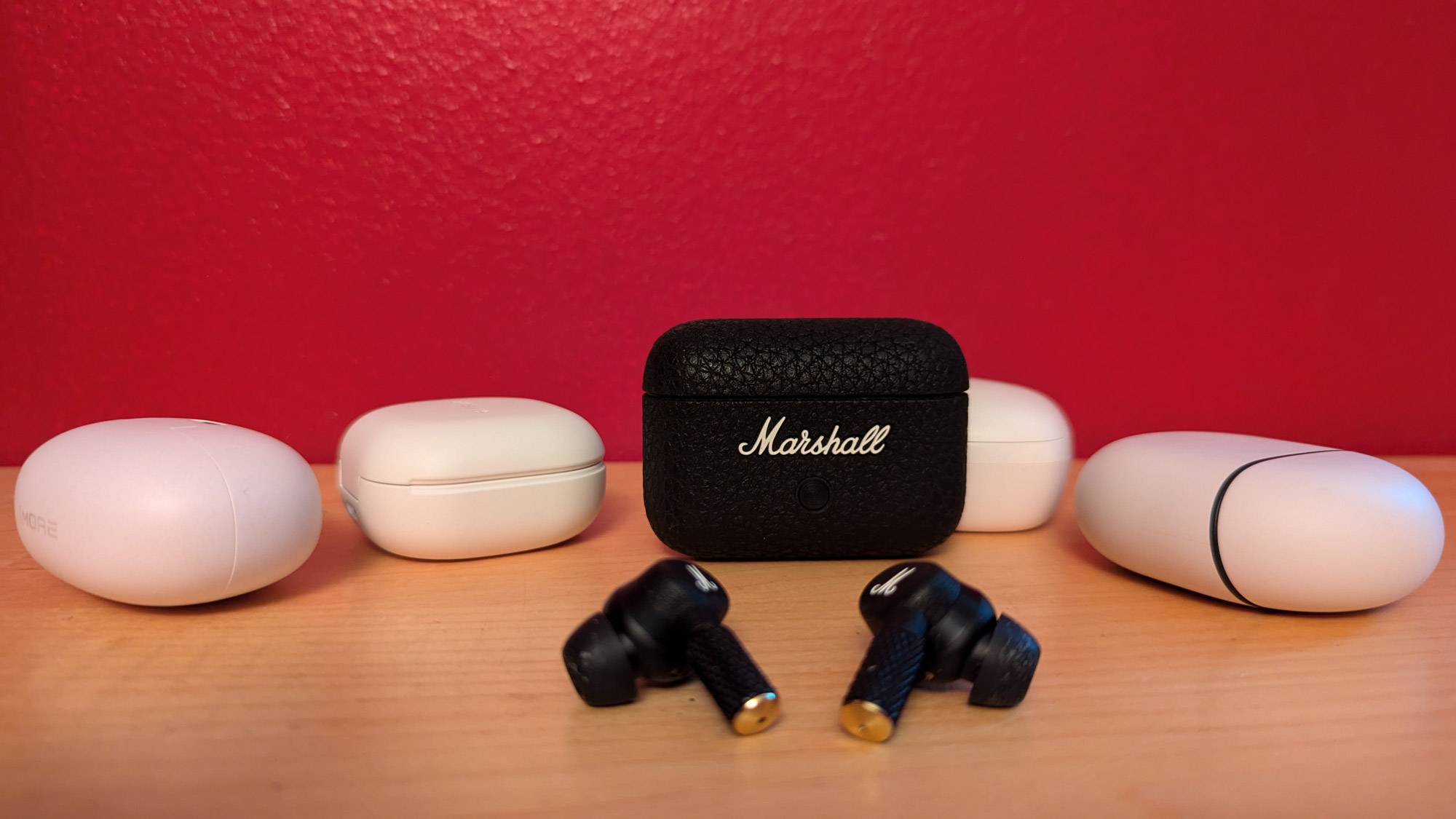
This stemless design can lead to a purposefully slicker, lower profile. Sometimes, they stick out, leading to the Frankenstein’s monster look, or make a fashion statement like with the polarizing ear gauge aesthetic of Denon’s Perl Pro.
From a functional standpoint, plain buds may lead to a frustrating number of mis-taps when trying to readjust them in your ears. So it’s important to figure out if/how you can grab them without adjusting the music (and another reason why a solid fit is so important).
Stems
Like them or not, Apple popularized this style, which is often credited with having better microphone quality due to the ends of the stems being slightly closer to your mouth. (Though some in the stemless style feature extra microphones that result in similar or better call quality.) But stems also offer additional options for controls, which can enhance ease of use, especially when physically adjusting or removing the buds.
Ease of Use
Just as nobody’s style is inherently perfect or flawed, no method of control is right or wrong. It all depends on the implementation. Sometimes tapping and gesture controls are effective, but less so if the touch-sensitive area is limited to a tiny, easily missed spot.
Similarly, physical buttons can work well with stems or buds, but not if they’re counterintuitively positioned and you have to fumble for them every time. The Jabra Elite 10 does a good job, making the whole outer surface of each bud a flat, clicky button, as opposed to ones from the likes of Samsung and Google, which have curvy outer surfaces protruding, which may increase tapping inaccuracies.
Some companies, such as Apple and Nothing, implement a squeeze or pinch method of controlling their stem-style earbuds. This leads to fewer false taps but can also be tricky, depending on the complexity of the action. For instance, a triple-pinch or double-pinch and hold takes a level of speed and dexterity that may prove challenging for most folks.
Conversely, it’s nice to have an app that lets you reassign what gestures (tapping, sliding, and/or holding combinations) trigger which actions, such as: track and volume changes; conjuring a virtual assistant; and activating noise cancellation or transparency mode.
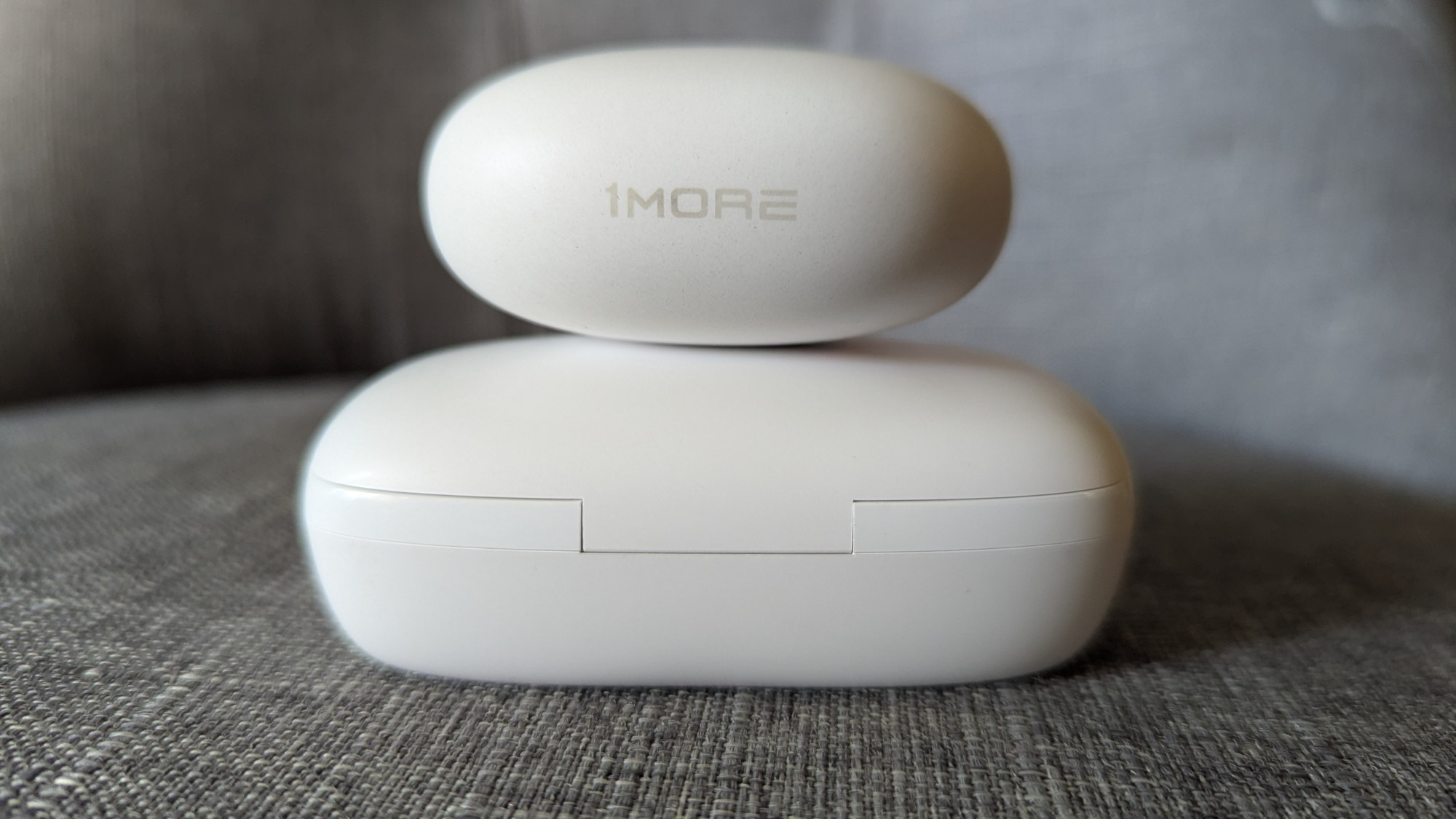
This is more of a factor with powered headphones, operated with a combination of button and touch controls. Once the headphones are paired to your phone, it’s nice to be able to adjust the volume and tracks with an intuitive tap or gesture right on the cans, rather than having to fumble around or even take them off your head.
So button design and layout matters. Likewise, for ANC headphones, it’s convenient to have a dedicated button to cycle through the “normal” (passive noise isolation), active noise cancellation, and transparency modes.
Battery Life
On a few levels, this can be one of the most deceiving specifications for wireless earbuds. The first battery-related stat you’re likely to see is how long you can listen to the buds on a single full charge. For reference, the average from across the bigger group we tested was just a hair under nine hours. Next, you’ll probably hear how many extra hours or full charges the case offers.
For the sake of simplicity, this guide lists (estimates of) the total number of playtime offered when both the buds and case start with a full charge. For the larger group of roughly two dozen earbuds we researched and tested, the average was over 42 hours.
This means you probably wouldn’t have to worry about recharging the case when going away for a weekend. Keep in mind, that’s with ANC turned off. We used that stat since not all earbuds offer that feature or report battery life (as they should) with ANC turned on.
The other big factor that can greatly affect battery life is the selected codec. In other words, if you opt for high-resolution playback, you should plan to see drastically lower battery life numbers, sometimes half as much. The most helpful companies list all the battery life variations, so you can have a better idea of how much playback to expect.
With all this in mind, the Oladance OWS 2 easily claims the longest battery life, with 19 hours on a single charge and up to 114 total with the charging case. Part of that has to do with the fact that they’re open and therefore can’t do noise cancellation and part with their unique form factor, but it’s still very impressive.
Charging Case
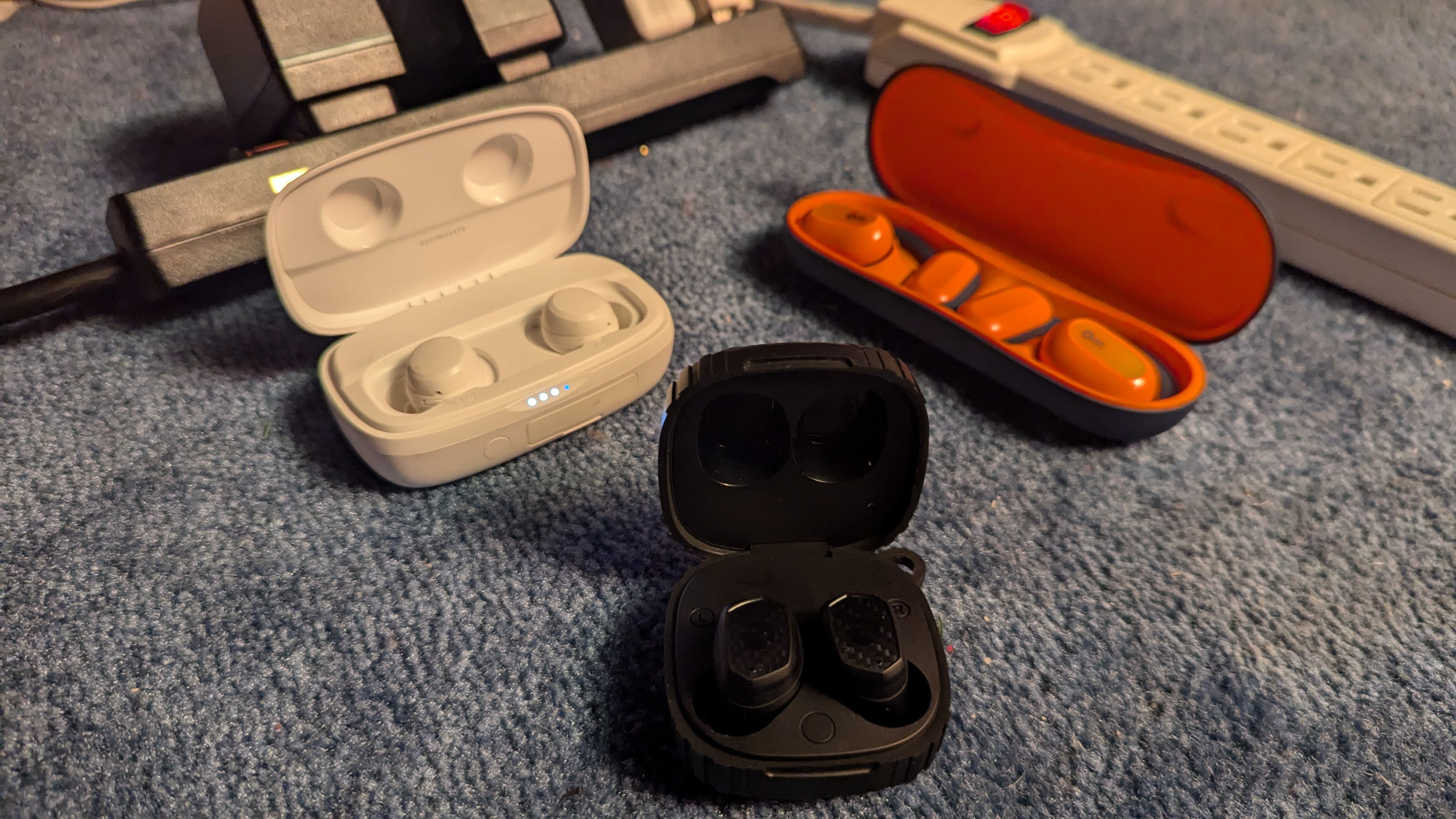
Nowadays, almost all earbuds’ cases charge their buds. The question is whether they do so wirelessly or only through a wired connection. This not only affects the convenience factor, but also which accessories you might want (such as a nightstand dock that charges your phone, watch, and earbuds at the same time).
Additionally, it’s helpful to know whether the case can be quickly charged through its USB-C connection. In the reverse direction, the batteries in some wireless earbuds’ cases are so beefy — as with the Tribit FlyBuds 3 — that they can actually top off your phone’s battery in a pinch.
Lastly, in what may seem like a minor factor, you might want to consider how the case reports its charging status. For instance, especially if you’re color blind, it’s more helpful to see that four out of five of the lights are blinking and/or glowing, as opposed to trying to guess what a single indicator light means.
Likewise, it’s nice to be able to see a live representation of how charged the buds and case are. Most companion apps report both right on their home screens.
Meanwhile, over-ear headphones generally do not have charging cases as they have larger internal batteries and long battery lives once charged.
Sound Qualities
Of course, hearing audio is the whole reason for getting earbuds in the first place. But what constitutes good (enough) audio according to each person’s perceptions and use case is extremely subjective. To make matters trickier, because of their more intimate nature — that is, their tendency to go in your ears and get icky wax on the tips — you probably won’t get a chance to audition the earbuds before purchasing them. But when you do get to listen to them, pay attention to the following auditory attributes.
Clarity and Distortion
Aside from how loud they are, all speakers (such as those in headphones) exhibit different sound signatures at different volumes. For instance, at lower volumes, headphones may sound not only more clear but also relatively tame in terms of their bass and treble.
On the opposite end of the spectrum, at higher volumes, they may sound distorted and unpleasant. So it’s good to test out headphones at a variety of volumes — not only listening for changes in sound signature and clarity but also seeking a safe, pleasant volume level.
Impact and Detail
Depending on your personal preference and where you happen to be when you’re listening, you may want more slam or finesse. For example, in the gym or another noisy background, a more V-shaped sound that dials up the bass and treble will help you to actually hear your jams.
Whereas when you’re just chilling at home or in another quiet place with your tunes, you might delight in the detail that feels like it brings you into the room of a live performance. To a great degree, enjoying your music is all about finding a delicate balance between these two qualities.
Brightness and Darkness
Brightness describes a sense of both clarity and detail in the upper frequencies (i.e. treble). To say earbuds are bright means that they’re able to retrieve and produce clear, open high notes. “Sparkly” is right at the precipice of being too much detail.
For most folks, “sizzle” means it goes too far, portraying high-end frequencies in a way that comes off as sibilant and harsh. Conversely, if earbuds are dark, they lack openness and detail — similar to how you would sound if you cupped your hands over your mouth while talking.
Warmness and Coolness
Warm refers to how “rich,” “beefy,” or “fun” a particular set of headphones sounds. Conversely, a cool sound might otherwise be described as “flat,” “pale,” or “anemic.” Simply put, these temperature-minded terms are just an attempt to describe whether the earbuds produce a fuller or thinner sound. It’s your call as to what sounds better to you.
Lows, Mids, and Highs
Spoiler alert: Not all bass is the same. Since what’s considered bass is represented by a range of frequencies, it’s not just a matter of whether earbuds do or don’t “have bass,” but rather how it shows up and what flavor it is. Similar to how sweet or spicy a particular food might be, everyone enjoys the presentation and subtleties of those particular qualities differently.
For bass, what might be a lovely, warm rumble to one listener might sound muddy, bloated, and unrefined to another. It’s the same way with treble — and, for that matter, the middle frequencies. Everyone has different abilities, tolerances, and preferences when it comes to perceiving and enjoying different frequencies.
As you listen to music you’re familiar with, pay attention to what makes you happy — or cringe. On the low end, you might prefer more sub-bass rumble; a tight, impactful beat; or a more natural-sounding timbre with less impactful oomph. If you listen to music that heavily features pianos, trumpets, acoustic guitars and/or vocalists, then mid-level frequencies are your jam. And a crisply rattling high hat might sound delightful or torturous to you.
All that to say, applying some combination of the above (and other similarly descriptive) terms when expressing what you like/want will be instructive when trying to match your tastes to a shortlist of earbuds, especially when combined with a particular price point.
Headphone Speaker Driver Type
Without getting too deep into the geeky physics, different types of (headphone) speakers produce sounds differently. Here are the most common ones you’re likely to encounter.
Dynamic
DDs (dynamic drivers) are by far the most popular kind of driver type — accounting for nine of this guide’s top 10 — known for their low price and ability to cover the entire audible frequency range, especially adept in bass response.
Balanced Armature
With precision and clarity, these typically smaller, more efficient drivers excel in the mid to upper frequencies. So if a headphone has multiple/hybrid drivers, the most likely configuration would be a dynamic driver for the low end and at least one BA driver (if not multiple) for the high end.
Planar Magnetic
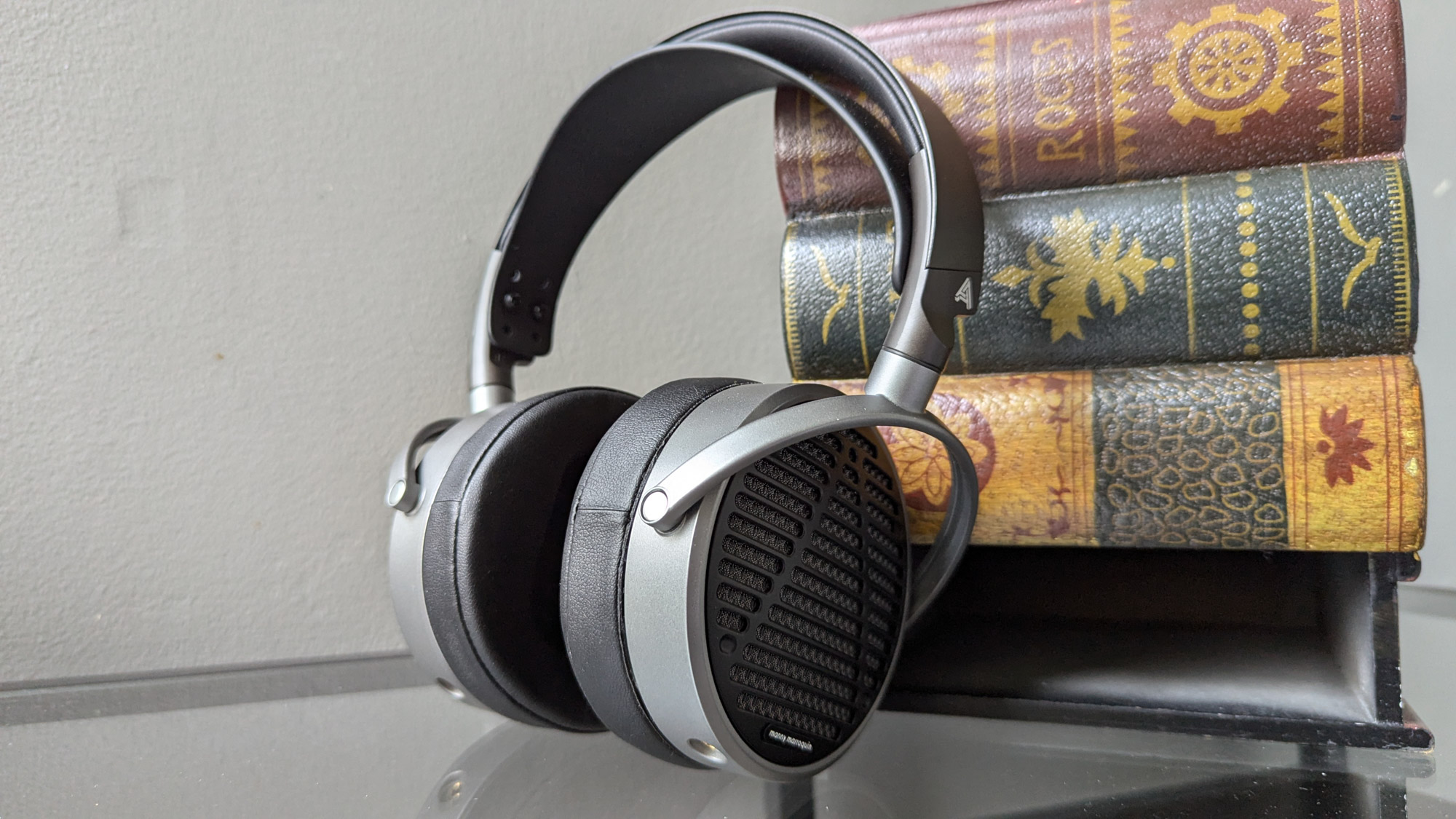
Planars push air differently than a dynamic driver. They’re known for being “faster” and providing even punchier bass and better clarity throughout the midrange and treble. They tend to be more expensive, though affordable planar headphones (under $500) do exist.
Electrostatic
These drivers work on an entirely different physical principle. They produce amazing sound, but by design necessitate larger, more pricey headphones requiring a specialized amplifier to drive them. The world’s most expensive headphones are electrostatic (as noted below in the FAQ section).
Headphone Speaker Size
In addition to the type, you may see the size of speakers listed for particular headphones. A typical size for dynamic drivers in over-ear headphones is 40-50mm.
Planar magnetics are larger and flatter, typically twice that size at 80-90mm. And electrostatics take up even more area. But don’t put too much stock in the speaker size of headphones. The resulting sound quality has more to do with the quality and construction of the driver unit than its size.
Headphone Noise Cancellation
Just as earbuds vary in their abilities to emit certain frequencies, so too does their talent for suppressing them. Again, in a meaningful sense, we’re really just talking about in-ear buds. Well-sealed, they naturally isolate some noise (a.k.a. passive noise cancellation) just by physically blocking external sounds from getting into your ears.
When it comes to active noise cancellation, many earbuds promise the world (will be silent), but are only good at knocking out certain high and/or low frequencies, such as the drone of air conditioners, refrigerators, jet engines, etc.
Furthermore, several of the ones we tested claim to be smart enough to automatically adapt in real-time to block whatever external sounds they pick up from their microphones. But as with all noise cancellation, this is a mixed bag, and you may just want to stick with regular — or perhaps no — noise cancellation since enabling that mode may negatively affect the sound signature.
By definition, if today’s earbuds offer ANC, then they also offer an ambient or transparency mode. Using the earbuds’ microphones allows you to hear what’s going on around you without needing to pop out a bud, only to have to resituate it moments later. In this regard, some earbuds sound pretty natural, while others suffer from background white noise, sounding overly processed, or both.
Lastly, you may also see environmental noise cancellation listed as a feature. This is another way your earbuds are combining their mics with some fancy AI algorithms, but this time it’s to block out sounds other than your voice on calls. In other words, ENC (as it’s sometimes called) makes it easier for the people on the other end of the phone to hear you when you’re calling from a crowded place, ideally so you don’t have to shout or repeat yourself.
Multipoint Connections
The ability for earbuds to be connected to more than one device at once — say, your phone and laptop while you’re in the office — also comes in different varieties. For starters, the number of possible multiple connections on this list’s earbuds varies from two up to six, as boasted by the Sennheiser Momentum 4.
Next, you should know that some earbuds’ apps will report which devices they’re connected to (which is helpful), while others won’t (which can be cumbersome). Also, in some cases, you may need to pause the music on one device before the other one is allowed to pick up the action.
And often when using multipoint, for bandwidth purposes, earbuds will default to a lower resolution codec. So keep all that in mind when playing around in the idiosyncratic world of multiple wireless source devices.
Other Features
Here are just a few of the myriad other earbuds features you’re likely to run across in the wild — along with our opinion of how useful they are(n’t).
Sound Personalization
Denon, PSB Speakers, and Sennheiser are just a few of the many companies whose earbuds apps include some form of smart personalization. They typically present a hearing test, where different frequencies are played for each ear, you indicate what you’re able to hear, and the app uses AI to create a custom EQ that compensates for frequencies you might otherwise be missing out on. Sometimes the differences are subtle and other times quite noticeable.
But when it works well, it’s amazing. And as a fallback, you can always just scroll through an EQ preset or manually monkey around with the frequency band sliders until you hear what you like.
Fast Pairing
The idea behind this is not just that you can quickly pair your buds to an initial device, but future ones as well. If you’re an Android user, then in theory your earbuds should be paired across any device on which you’re signed into that same Google account. But we’ve had mixed success with it.
Single Bud Use
In the olden days, we only had one earbud. Now, it’s a feature. Reasons you might want to be able to use just one bud are that you want to: be more aware of your surroundings, but don’t trust transparency mode; charge the other bud because for some reason it ran out of juice quicker; or share a bud with someone else. In any of these cases, it’s worth noting that some buds are able to un-stereo themselves. That is, go from being just the left or right channel to playing both sides. (This is especially helpful when sharing buds to watch a movie on a plane.)
One of the keys to making this work is that in the app you may have to first disable the wear detection that automatically pauses your music when you take a bud out of your ear. Speaking of which, the Denon app had an interesting option where we could choose whether our music would automatically be paused by removing either one or both of the earbuds.
Firmware Updates
From better connectivity to the ability to do multipoint or play spatial audio, updating the firmware on your earbuds can add all sorts of cool capabilities. Just another reason to make sure you download and play around in the companion app.
Durability
When it comes to earbuds’ IP (Ingress Protection) rating, the first number relates to dust. If it’s a 5 or 6 — such as with IP53 or IP68 — that means the buds are protected against dust, which is helpful to know if you’re in a windy mountain or desert location. (An X means that they weren’t tested for dust ingress.) The second number has to do with liquids. If it’s a 4 through 6 — such as IPX4 or IP65 — you don’t have to worry about splashes or rain, and the ones marked IP67 and IP68 are totally waterproof, and theoretically able to be safely submerged.
Just keep in mind that although the earbuds themselves are IP-rated, most cases aren’t. So unless you happen to have one of the exceptions — such as the Jabra Elite Active 8, with an IP54-rated case — you may want to baby your earbuds while in the case.
Other than an IP rating, you may also see that particular earbuds have earned the U.S. military’s Mil-Std-810 rating for being able to withstand drops, impacts, and temperature changes. These are the toughest of the tough, such as Raycon’s aptly named The Impact Earbuds.
Most headphones, and those included here, do not carry an IP rating. Most can handle a light mist, but don’t plan to wear them in a rainstorm.
Price & Value
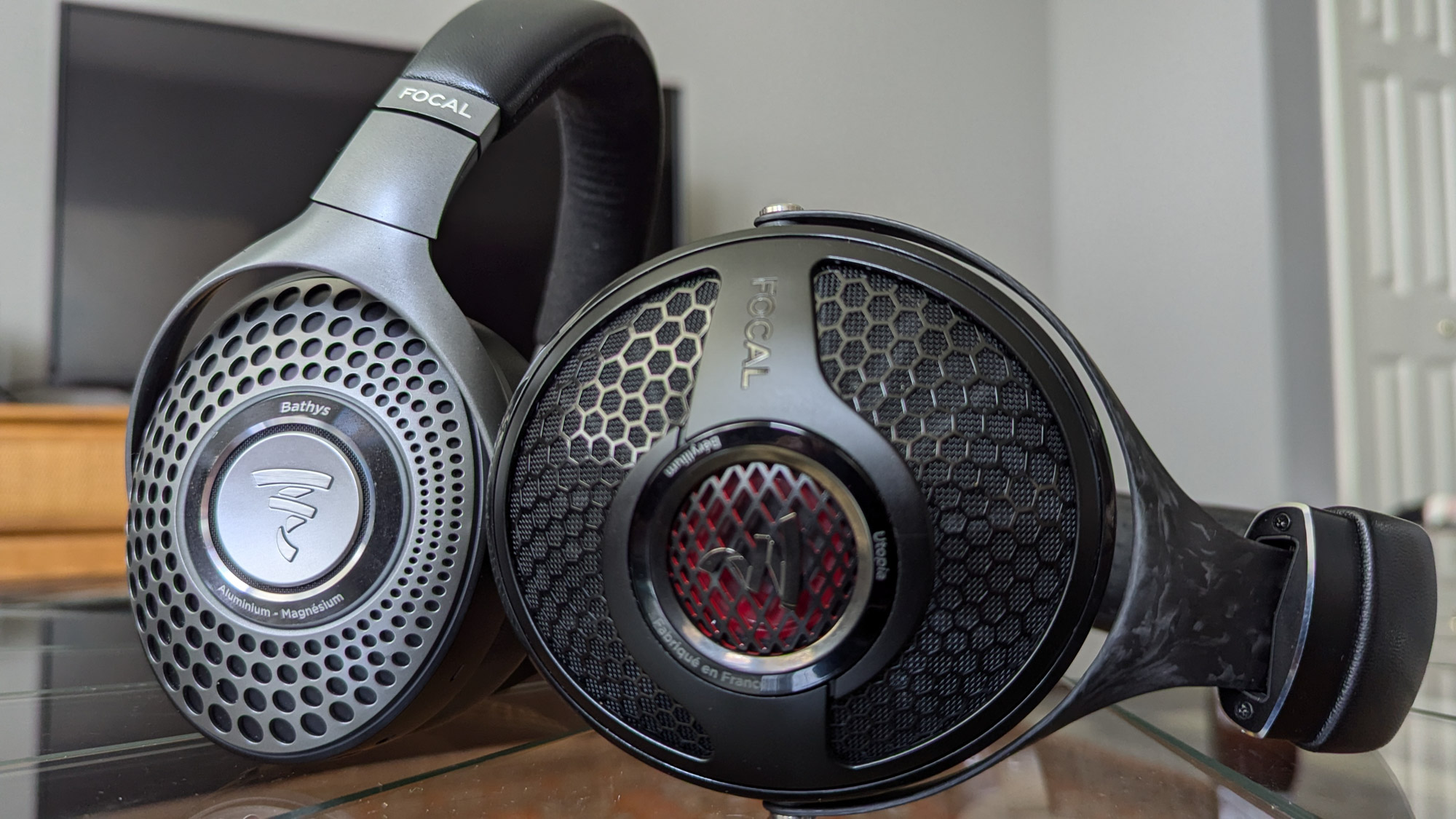
If we remove the curve-skewing Focal Bathys, the average price of the nine remaining headphones we tested was just under $400. That’s a bit high compared to what you might randomly find in the marketplace. But you don’t need to spend that to find a solid pair of earbuds or headphones.
Budget
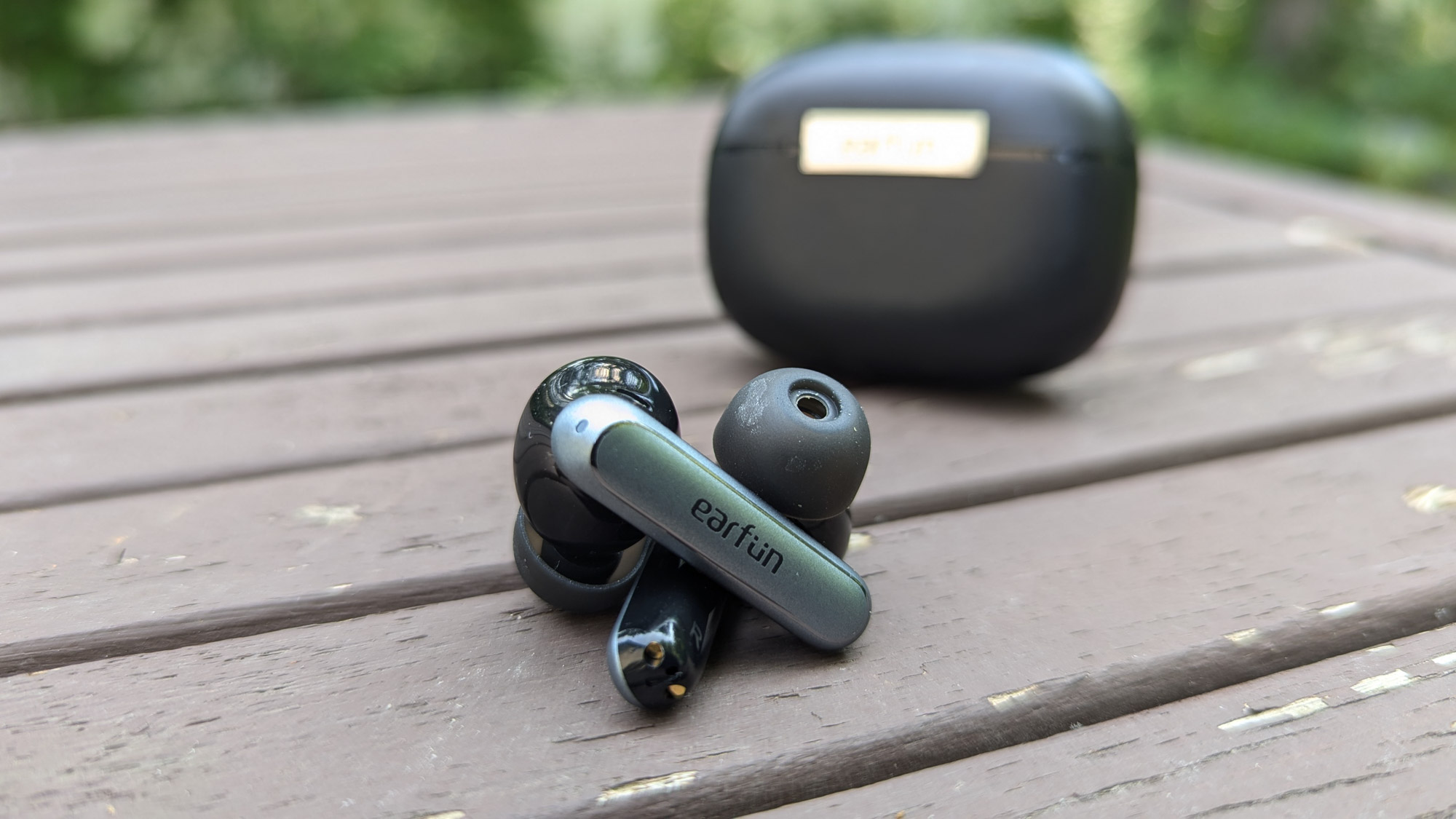
The average price of the wireless earbuds we tested was $173, with most of the sporty, open-fit earbuds living in that $150-200 range. As evidenced by the EarFun Wave Pro ($80) and Sony Ult Wear ($200) there are plenty of great options out there for $200 or less.
The EarFun Wave Pro, for example, delivers clear, balanced sound, a comfortable fit, and user-friendly controls. You won’t get premium materials and top-tier sound, but this category should provide more than enough for the casual listener.
And even under 50 bucks, you can find durable earbuds that sound very good, offer decent battery life, and sport such fancy features as hybrid noise cancellation and wireless charging cases. For around $100, buds like the Soundcore Liberty 4 NC and OnePlus Buds 3 are stylish, well-featured, and sound excellent. Summing up, you shouldn’t have a hard time finding solid everyday buds for less than $100; and you only need to spend more than that for specialized or high-end earbuds.
Mid-Tier
The next level up, spending $300-500, often gets you higher quality materials and sound. These headphones offer rich, full sound that can compete with headphones in almost any price range. And while they’re fairly heavy at over a pound, they deliver sound that audiophiles will definitely appreciate.
Premium
If money is no object, the sky’s the limit when it comes to price. The priciest option on this list, the Focal Bathys ($699). The sound is perfectly balanced, with bass and treble taking priority over the perfectly flat midrange.
Ultimately, though, you should feel good about your purchase, whether that’s from saving or spending money. Aim to buy the best headphones that fit your current budget and what you want out of a pair of headphones. You can always trade in and upgrade later.
Frequently Asked Questions
It depends on how cheap you’re looking to go. At the $100 level, we very much like the Soundcore Liberty 4 NC and OnePlus Buds 3. For $50 or less, we’re fans of the EarFun Air 2 and a bunch of others. You should also be aware of such other high-quality bargain brands as Soundpeats and 1More.
It depends on what your goals are. Wired earbuds (also known as IEMs, or in-ear monitors) give better sound quality for the price, are simple to use, don’t have battery issues, and will tend to last many more years. Then again, wireless earbuds offer the convenience factor of being untethered, plus tons of features like ANC and the ability to EQ them to your ears’ content.
In terms of portability, in-ear headphones will always take up less space than their on- and over-ear counterparts. But fit and feel are completely subjective. Some folks have a difficult time finding earbuds that fit well or feel good in their ears. Others are sensitive to the weight and clamping force of on- and over-ear headphones — plus how they can make their ears warm during long listening sessions.
So, what’s better for you takes into account what matters most to you regarding portability, fit, and feel. To help you determine that, consider where and for how long you plan to listen to music.
In several ways, yes. First, rather than requiring a pairing process, using wired headphones is as easy as plugging them into a source device with an audio jack. Second, because they don’t need/use their own batteries, you don’t need to worry about how long you’re listening.
And since wireless headphones work off rechargeable batteries that’ll degrade over time and usually can’t be replaced, wired headphones will tend to last and be relevant longer.
In terms of the sound quality, naturally that’s a subjective matter. But as a general rule, wired headphones tend to offer better quality for the money. That’s because the wires are able to transmit a higher quality signal without any loss of audio data.
Or to put it another way, wireless headphones can offer adequate to amazing sound quality — even as compared with even a few years ago — but there’s always a price to pay for the convenience of untethered audio.
Again, it depends on what’s important to you. In terms of portability, in-ear headphones will always take up less space than their over-ear counterparts. But fit and feel are completely subjective. Some folks have a difficult time finding earbuds that fit well or feel good in their ears. Others are sensitive to the weight and clamping force of on- and over-ear headphones—plus how they can make their ears warm during long listening sessions.
So what’s better for you takes into account what matters most to you regarding portability, fit and feel. To help you determine that, consider where and for how long you plan to listen to music.
Generally speaking, yes. We’re not aware of any long-term electromagnetic damages that have come from wearing earbuds all day. On the contrary, ones such as 1More’s Sleeping Earbuds Z30 are tiny and comfy enough to be worn all night, even sleeping on your side. But pay attention to what feels right to your ears, and be sure to give them a break every so often.

The Best Headphones for Running and Sports of 2026
We tested the best workout headphones of 2025 with options for every budget and athlete. Top picks include Jaybird, Bose, and more!
The Best Running Headphones of 2024
We tested and ranked the best running headphones of 2024, including pairs from Beats, SoundCore, and JBL.
Read the full article here